Multilingual Digital Menu for Tourists
Key Takeaway
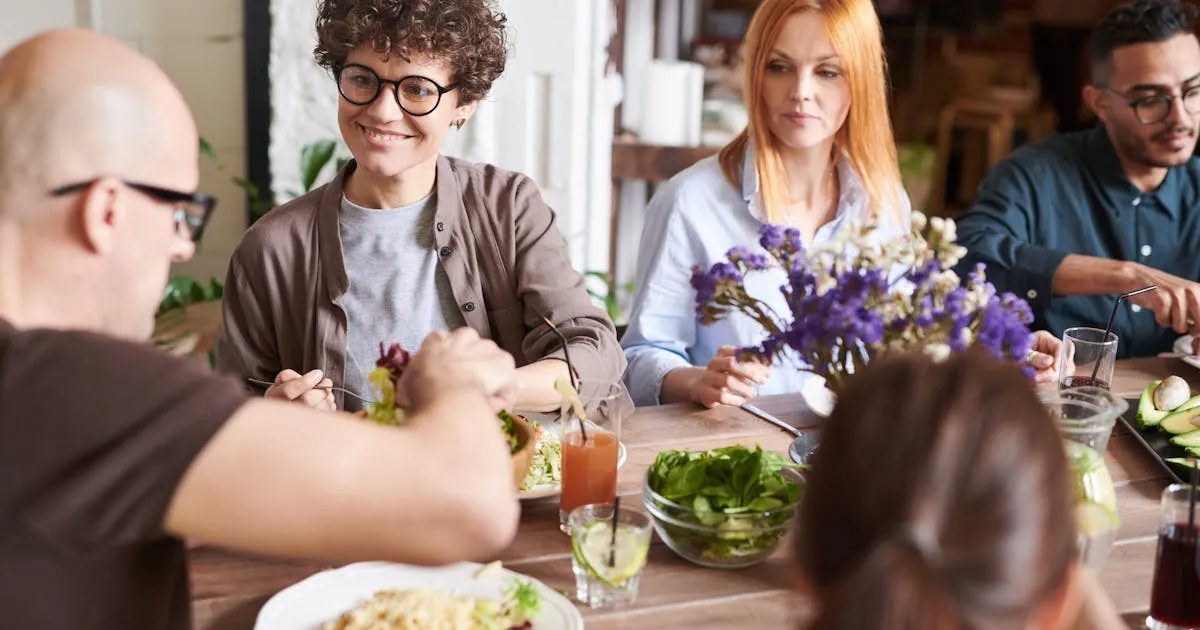
Multilingual digital menus help tourists order with confidence. Auto-translation tools, manual review checklist, and the languages each market needs.
TL;DR: Menujo Uses Separate Menus for Separate Languages
A multilingual digital menu can help guests understand dishes, but Menujo does not translate menu content and does not show guests a language switcher. On Menujo, the operator writes and publishes one menu per language, then labels or links each language version clearly. Free supports one menu, while Pro supports up to 10 menus from the same account.
Use a native speaker or qualified food translator for the final wording. Automatic translation can help create a draft, but dish names, allergens, and cultural descriptions need human review. Restaurants that require one menu with an integrated guest language switcher should choose a platform that explicitly provides that feature.
Running a hotel? Multilingual menus are baseline for hotels with international guests. See our hotel F&B and room-service operator guide or the fine dining operator guide for the full operator-specific workflow (in-room QR placement, multi-outlet structure, allergen compliance).
1.52 billion international tourists traveled in 2025, generating nearly $1.9 trillion in global tourism receipts. Roughly 25% of a typical tourist's budget goes to food and beverages, by the World Food Travel Association's estimate.
Yet many restaurants still offer menus in only one language. The tourist stares at unfamiliar words, points at something vaguely recognizable, gets something they didn't expect, and leaves a lukewarm review. Everyone loses.
Multilingual digital menus solve this entirely. This guide shows you how to set one up, whether you serve tourists in Bangkok, London, Dubai, or your local neighborhood.
Language barriers in restaurants don't just cause awkward interactions. They directly reduce revenue:
Wrong Orders Cost Money
When a tourist can't read the menu, they either guess (leading to returns and remakes) or order the safest, cheapest option they can identify. A study by Kim and Mattila, presented at a graduate research conference in hospitality and tourism, found that language barriers make it harder for customers to communicate what they want and to get the information they need, and leave them feeling negative about the service encounter.
Tourists Order Better When They Understand
When customers can read descriptions, see photos, and understand modifiers (sizes, add-ons, specials), they order with confidence instead of guessing or settling for the safest, cheapest dish they can identify.
The Culinary Tourism Market
Food travel is a market of its own: food and drink rank high when travelers choose a destination. Tourists actively seek authentic dining experiences, and food is often the highlight of their trip. A restaurant that welcomes international visitors with a menu in their language captures a larger share of this spending.
These are common languages to consider for a tourist menu. The first five are the most demanded languages in tourism:
- English: the default international tourism language
- Spanish: dominant in the Americas and growing in Europe
- Mandarin Chinese: China is one of the world's largest outbound tourism markets
- French: major tourism language in Europe and Africa
- German: Germany is one of the largest outbound tourism markets
- Russian: significant tourist presence in Turkey, Thailand, Mediterranean
- Arabic: large tourist market from Gulf states
- Portuguese: growing Brazilian outbound tourism
- Japanese: significant high-spending tourist market
- Korean: rapidly growing outbound tourism, especially in Southeast Asia
You don't need all 10. Start with the top 2-3 languages your restaurant actually encounters. A restaurant in Istanbul might add English, Arabic, and Russian. A café in Barcelona might add English, French, and German. In Miami, Spanish and Portuguese alongside English covers most visitors.
Check your existing customer data: where are your Google reviews coming from? What languages do tourists ask for most? That's your starting point.
Use your city's typical visitor mix to prioritize the first 3 menu languages. The language picks below are a starting point based on common visitor origins, not official statistics; check your city's tourism board for its current visitor mix.
Tourist Languages by Restaurant Market
| Restaurant Market | Suggested First 3 Languages | Suggested Starting Point |
|---|---|---|
| New York City, USA | Spanish, Mandarin, French | Local language + 2-3 |
| Miami, USA | Spanish, Portuguese, French | Local language + 2-3 |
| Los Angeles, USA | Spanish, Mandarin, Japanese | Local language + 2-3 |
| Barcelona, Spain | English, French, German | Local language + 3 (4 total) |
| Bangkok, Thailand | English, Mandarin, Russian | Local language + 3 (4 total) |
| Dubai, UAE | English, Hindi, Russian | Local language + 3 (4 total) |
| Tokyo, Japan | English, Mandarin, Korean | Local language + 2-3 |
For major tourist hubs (Bangkok, Dubai, Barcelona), plan a 4-language menu. For markets where more of your guests are local (Tokyo, NYC), 2-3 languages on top of your local language is sufficient. If each language is its own menu, as on Menujo, compare the menu views per language in your analytics after launch to see which versions guests actually open.
There are three approaches, each with different trade-offs in cost, quality, and effort:
Option 1: Platform-Built Multi-Language Menus
Some digital menu platforms support multiple languages natively. You add translations for each menu item, and the customer selects their language when they open the menu, or the platform auto-detects their phone language. Menujo does not do this: it has no language switcher and no translation, so on Menujo you publish a separate menu per language and link or sign each one.
Pros: Best user experience, one-tap language switching, works offline for cached menus
Cons: Requires translating each item manually or with AI assistance
Cost: Included in the platform subscription
Option 2: AI Translation with Human Review
Use AI translation (Google Translate, DeepL, or platform-integrated AI) for the first draft, then have a native speaker review the results. A study at Olive View-UCLA Medical Center found Google Translate kept the overall meaning of hospital discharge instructions in 82.5% of cases, with accuracy ranging from 55% (Armenian) to 94% (Spanish) depending on the language.
Pros: Fast, cheap, covers many languages
Cons: Food terminology is tricky: "spicy" has different implications in Thai vs English. AI can miss nuances, especially with regional dishes
Cost: Free machine translation plus a paid native speaker review per language
Option 3: Professional Translation
Hire a professional food translator or localization service. They understand culinary terminology, cultural context, and allergen labeling requirements.
Pros: Highest quality, culturally appropriate descriptions
Cons: Most expensive, slowest, needs re-translation for every menu change
Cost: The highest per-language cost; get quotes based on your menu's length
Our recommendation: Option 2 for most restaurants: AI translation + human review. It's fast enough to keep up with seasonal menu changes and accurate enough to serve tourists well. Reserve Option 3 for fine dining where every word matters.
Translation isn't just about converting words. Here are the practical tips that make multilingual menus actually useful:
Keep the Original Language Visible
Always show the original language alongside translations. If a Chinese tourist orders "Spaghetti Carbonara" by its Italian name, the server knows exactly what they mean. If they order the Mandarin translation, there's room for confusion. Bilingual display (original + translation) is always better than replacement.
Translate Descriptions, Not Just Names
"Pasta Carbonara" might not need translation, but "made with guanciale, egg, pecorino, and black pepper" does. Descriptions help tourists understand what they're ordering, especially for regional dishes they've never encountered.
Handle Allergens in Every Language
Dietary tags (Vegan, Halal, Gluten-Free, Contains Nuts) must be clear in every language. A mistranslated allergen label is a health risk. Use universal symbols alongside translated text where possible.
Don't Translate Your Signature Dishes
If your restaurant is known for a dish by its original name, keep it. "Pad Thai" doesn't need translation. "Tom Yum Goong" is better kept as-is with a translated description: "spicy and sour shrimp soup with lemongrass and galangal."
Use Photos to Bridge Language Gaps
A photo is understood in every language. DoorDash data shows menus with item photos get up to 44% more monthly sales, and for a tourist, a photo shows exactly what a dish looks like before ordering. Photos plus translations is the most effective combination. For more on using photos effectively, see our digital menu design guide.
If your restaurant serves any international tourists (or if you're located in a diverse city with multilingual communities), a multilingual digital menu is worth setting up. Tourists spend roughly 25% of their trip budget on food and beverages, by the World Food Travel Association's estimate, and they order with more confidence when they can read your menu.
Start here:
- Identify your top 2-3 languages: check your reviews and ask your staff
- Set up a digital menu: create a free account on Menujo, and upgrade to Pro if you need more than one menu so each language can have its own
- Translate and review: AI first pass + native speaker review
- Add photos: the universal language that bridges any translation gap
For more on getting started with digital menus, read what a digital menu is and how to create one for your restaurant.
Where to Put Your Menu
Once your menu is built, distribute it across the channels your customers actually use. The same QR-coded URL works everywhere (Instagram bio, Google Business Profile, WhatsApp Business, takeout bags, table tents), but each channel has its own setup quirks worth getting right.
- Menu distribution channel guides: overview of every channel and the workflow for each
- Restaurant menu on Instagram bio: Instagram's native 5-link feature plus prompt copy that lifts taps
- Menu on Google Business Profile: add the menu URL to your GBP listing for local-search discovery
- Restaurant menu on WhatsApp: click-to-chat menu sharing for markets where WhatsApp is the primary discovery channel
Related Guides
More resources for setting up and running a digital menu:
- Restaurant-type guides: setup playbooks for cafés, food trucks, bars, fine-dining, hotels, breweries, juice bars, pizzerias, and more.
- Digital menu for cafés: daily pastry rotation, milk-alternative tags, espresso variants, photo specs.
- Digital menu for food trucks: one menu URL that travels with the truck, daily specials, mobile-first design for outdoor scanning.
- Restaurant + menu glossary: short definitions covering menu engineering, QR-code mechanics, hospitality compliance basics.
- Free QR code generator: make a custom QR for any menu URL, SVG and PNG output, color customization, no signup required.
Key Takeaways
- Multilingual menus help tourists order with confidence in tourist-heavy locations.
- Many platforms support per-language menus: pick by your top 3 visitor markets.
- Skip auto-translation for proper noun dish names (‘burrata’, ‘carbonara’ stay).
- Auto-translate descriptions, but get a native-speaker review: Google Translate kept the overall meaning in 82.5% of cases in the UCLA hospital-instructions study cited above.
- For tourist hubs (Barcelona, Bangkok, Dubai), plan on 4 languages.
- On Menujo each language is its own menu and QR code, so label each code clearly; platforms with a built-in switcher put a selector at the top of the menu instead.