What Is a Digital Menu? Complete Guide for Restaurants (2026)

A
Ahmad Tayyem
Published: April 11, 2026 11 min read
What Is a Digital Menu? Complete Guide for Restaurants (2026)

Key Takeaway

A digital menu is an online menu customers access by scanning a QR code. Learn types, benefits, costs, and how 75% of restaurants use them in 2026.

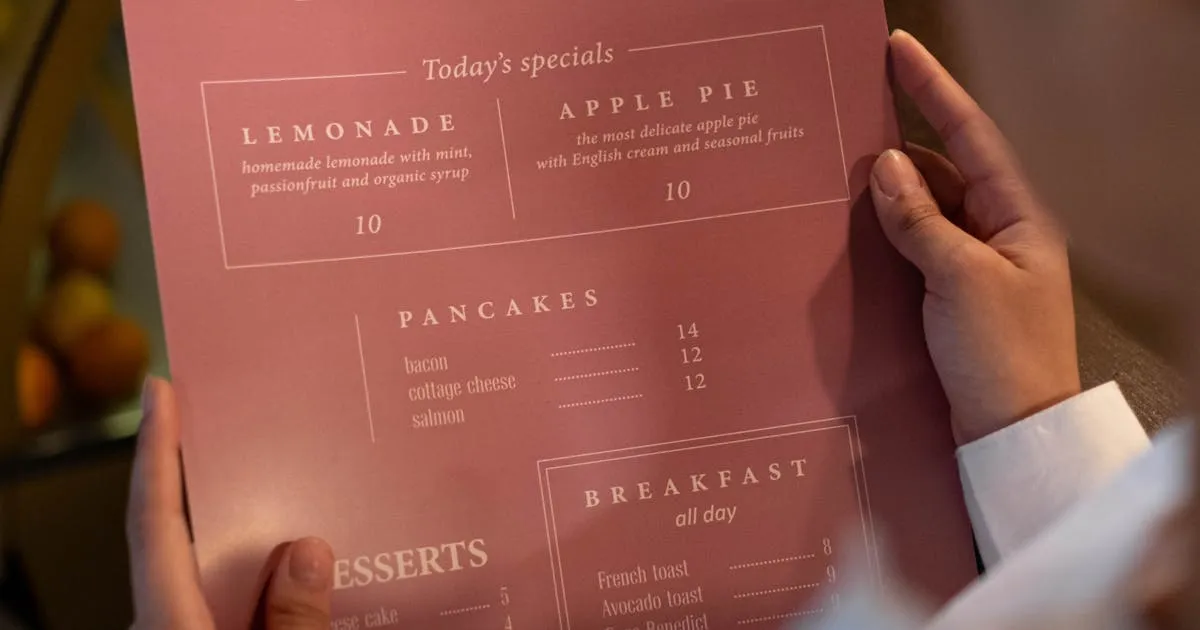
A digital menu is an electronic version of a restaurant's menu that customers view on their smartphone, tablet, or a display screen instead of a printed paper menu. Customers typically access it by scanning a QR code on the table with their phone camera — the menu opens instantly in their web browser with no app download required.

Digital menus have gone from a pandemic workaround to the industry standard. According to MenuTiger's 2026 forecast, 75% of restaurants worldwide now use some form of digital menu. And a Restaurant Dive survey found that 88% of restaurants that haven't switched yet are considering it.

This guide covers everything restaurant owners need to know: how digital menus work, the different types, real costs, proven benefits with data, and how to get started for free.

A digital menu works in three simple steps:

  1. You create your menu online — Add items, photos, prices, and categories on a digital menu platform
  2. You place a QR code — Print the QR code on table cards, stickers, or tent cards
  3. Customers scan and browse — They point their phone camera at the QR code, tap the notification, and your full menu loads in their browser

Behind the scenes, the QR code is simply a link to a web page. When you update your menu (change a price, add a dish, mark something as sold out), the changes appear instantly for the next customer who scans. The QR code itself never changes — you print it once.

This is fundamentally different from a PDF menu or a photo of your menu. A true digital menu is a live, dynamic web page that you can edit anytime from your phone or computer.

Not all digital menus are the same. Here are the four main types restaurants use in 2026:

Customers scan a QR code to view the menu on their own phone. This is the most affordable option — many platforms offer it free — and the most popular for dine-in restaurants, cafés, and food trucks. No hardware needed.

2. Digital Menu Boards

Screens mounted on walls or behind counters that display menu items and promotions. Common in fast food chains and coffee shops. According to CrownTV's 2026 guide, these can automatically switch between breakfast, lunch, and dinner menus on a schedule. Cost: $200–$2,000+ per screen.

3. Tablet Menus

iPads or Android tablets placed on tables for customers to browse. Offers a rich interactive experience but comes with hardware costs, theft risk, and charging logistics. Most common in upscale casual dining.

4. Online Ordering Menus

Web-based menus with built-in ordering — customers can browse, add items to a cart, and pay from their phone. This goes beyond display-only menus and requires integration with your POS or kitchen system. Platforms like Menubly, MenuTiger, and Toast offer this functionality.

For most independent restaurants, QR code menus are the best starting point: zero hardware cost, free platforms available, and your customers already know how to scan QR codes.

The benefits of digital menus go beyond convenience. Here's what the research shows:

BenefitDataSource
Cost savingsSave $2,400–$5,000/year vs printed menusTerraslate
Higher order value15–30% increase in average checkFeedle AI
Faster table turnover15% increase in table turnoverSupercode / Square
Customer adoption78% of diners comfortable with QR menusToast
Industry adoption150% increase in QR code adoption (last 2 years)MenuTiger / PYMNTS
Hygiene preference67% of consumers say QR codes are more sanitaryToast

The combination of cost savings, increased revenue, and improved efficiency makes digital menus one of the highest-ROI investments a restaurant can make. For a deep dive into the cost savings, read our full analysis of menu printing costs.

How to Get Started with a Digital Menu

1

Choose a platform

Pick a digital menu platform that fits your needs. For a free QR code menu with no technical skills required, Menujo lets you create your first menu in minutes. For integrated ordering, consider platforms like MenuTiger or Toast.

2

Build your menu

Add your items organized by category (Starters, Mains, Desserts, Drinks). Include prices, short descriptions, high-quality photos, and dietary tags (Vegan, Halal, Gluten-Free). Menus with photos see up to 30% higher order values.

3

Customize your branding

Upload your logo, choose colors that match your brand, and add your restaurant info (address, phone, WiFi password, social media links). A branded menu builds trust and looks professional.

4

Print your QR code and go live

Download your QR code as a high-resolution image. Print it on table cards, stickers, or tent cards. Place one on every table and at the entrance. Your digital menu is now live — update it anytime from your phone.

With dozens of platforms available, here's what matters most when choosing one for your restaurant:

Must-Have Features

  • QR code generation — Auto-generated, high-quality QR codes you can download and print
  • Mobile-optimized design — Over 90% of QR scans happen on phones; your menu must look great on small screens
  • Instant updates — Change prices, add items, or mark dishes as sold out in real time
  • No app required — The menu should open in the customer's browser, not require a download
  • Photo support — Ability to upload food photos for each item

Nice-to-Have Features

  • Analytics — See how many customers view your menu, which items get the most attention, and what devices they use
  • Multi-language support — Essential for tourist areas or diverse neighborhoods
  • Custom branding — Your logo, colors, and style (not the platform's branding)
  • Dietary tags — Vegan, Halal, Gluten-Free, Spicy, etc.
  • Multiple menus — Separate menus for breakfast, lunch, dinner, drinks, or dessert

Free platforms like Menujo cover all the must-haves. Paid plans ($7–$50/month) typically add analytics, custom branding, and multiple menus. Compare that to $2,400–$5,000/year for printed menus.

Despite the clear benefits, some restaurant owners hesitate. Here are the most common concerns and what the data actually shows:

"My customers won't use QR codes"

Toast's 2026 restaurant report shows 78% of customers are comfortable ordering from QR menus. The technology is mainstream — built into every iPhone and Android camera. For the remaining customers who prefer printed menus, keep a few copies on hand as backup.

"Older customers won't like it"

Valid concern, but solvable. The best approach is digital-first with printed backup. Most restaurants report that after a brief transition period, even older diners adapt quickly — especially when staff offer a friendly 5-second explanation.

"It feels less personal than a physical menu"

A well-designed digital menu can actually feel more personal: your branding, your photos, dietary info tailored to each customer, multiple languages, and real-time specials. The key is investing 30 minutes in good menu design rather than using a plain text list.

"What about internet connectivity?"

Your restaurant likely already offers WiFi. The menu page is lightweight (typically under 500KB) and loads in under 2 seconds on any connection. For outdoor venues, 4G/5G coverage handles it. This is rarely an issue in practice.

Based on what we see working for restaurants on Menujo, here are the best practices to maximize the value of your digital menu:

  1. Add photos for your top 10 items — You don't need photos for everything. Start with your best sellers and highest-margin dishes. According to industry data, menus with food photos see 15–30% higher average orders.
  2. Keep descriptions to 1–2 sentences — Customers scan, they don't read. Focus on key ingredients and what makes the dish special.
  3. Use dietary tags consistently — Mark every qualifying item as Vegan, Halal, Gluten-Free, etc. Customers with dietary needs will leave if they can't find this info quickly.
  4. Update your menu at least monthly — The biggest advantage of digital is instant updates. Use it. Rotate seasonal items, adjust prices, and promote specials.
  5. Put your QR code everywhere — Tables, bar counter, front door, takeout bags, receipts, social media posts, Google Business Profile. The more entry points, the more views.
  6. Add your Google Maps link and phone number — Make it easy for first-time visitors to find you and for regulars to call in orders.
  7. Check your menu on a phone — Test it yourself. Scan the QR code, browse every category, and make sure photos load fast and text is readable without zooming.

For a step-by-step walkthrough, see our guide on how to create a digital menu for your restaurant.

Frequently Asked Questions

What is a digital menu for a restaurant?

A digital menu is an electronic version of a restaurant's menu that customers view on their smartphone or a display screen instead of a printed paper menu. Customers typically access it by scanning a QR code on the table — the menu opens instantly in their web browser, showing items, prices, photos, and dietary information.

How much does a digital menu cost?

A basic QR code digital menu is free on platforms like Menujo. Premium plans with analytics, custom branding, and multiple menus cost $7–$50/month. Digital menu board hardware (TV screens) costs $200–$2,000+ per screen. For comparison, printed menus cost $2,400–$5,000+ per year.

Do customers like digital menus?

Opinions are mixed but trending positive. Toast's 2026 report shows 78% of customers are comfortable with QR code menus, and 67% consider them more sanitary than paper. Some older demographics prefer physical menus. The best approach is digital-first with printed backups available.

Do I need an app to view a digital menu?

No. Modern digital menus open directly in the customer's web browser when they scan the QR code. There is nothing to download or install. This works on all smartphones — any device with a camera and web browser can access it instantly.

Can I update my digital menu in real time?

Yes. Unlike printed menus, digital menus can be updated instantly from your phone or computer. Change prices, add seasonal specials, mark items as sold out, or update photos — changes are live immediately. The QR code never needs reprinting.

What is the difference between a digital menu and a digital menu board?

A QR code digital menu is viewed on the customer's own phone after scanning a QR code — no hardware needed, very affordable. A digital menu board is a physical screen (TV or monitor) mounted in the restaurant that displays the menu. Menu boards cost $200–$2,000+ per screen and are common in fast food and coffee shops.

Are QR code menus safe?

Yes. Scanning a QR code that links to a menu website is as safe as visiting any website. The code simply opens a URL in your browser. Reputable platforms use HTTPS encryption and don't require any personal information to view the menu. QR menus are also more hygienic since they're contactless.

How do I create a QR code for my restaurant menu?

Sign up for a digital menu platform (Menujo offers a free plan), add your menu items with photos and prices, and the platform automatically generates a QR code. Download it as a high-resolution image, print it on table cards or stickers, and place them in your restaurant.

What percentage of restaurants use digital menus?

As of 2026, approximately 75% of restaurants worldwide use some form of digital menu, up from just 25% before 2020. QR code adoption by restaurants has increased 150% in the last two years, and 88% of restaurants that haven't switched are considering it.

Can digital menus work without WiFi?

The QR code itself is printed — it works offline. However, the customer's phone needs a data connection (mobile data or WiFi) to load the menu webpage. Since most restaurants offer WiFi and the menu page is lightweight (under 500KB), this is rarely an issue.

Do digital menus increase sales?

Yes. Restaurants using digital menus with food photos report a 15–30% increase in average order value. Additionally, Square found that restaurants with QR code menus see a 15% increase in table turnover. The combination of visual menu presentation, easy browsing, and faster ordering drives higher revenue.

Should I keep printed menus if I switch to digital?

We recommend keeping a small number of printed menus as backup for customers who prefer them. A good ratio is 5–10 printed menus for a 50-table restaurant. This hybrid approach satisfies every customer while saving 90%+ on printing costs.

Enjoyed this article? Share it!

Restaurant Background
Get Started Today

Ready to Create Your Free Digital Menu?

Join 500+ restaurants using Menujo. Create your free menu in minutes. No credit card required.

Free Forever • No Credit Card Required • Plans from $7/month