Where Your Menu Lives:
Every Channel, Every Touchpoint
Distribution is the half of menu strategy nobody teaches. Instagram bio, Google Business Profile, WhatsApp, takeout bags, table tents, receipts. Each channel meets a different stage of the customer journey. Each guide covers the workflow that turns that touchpoint into a converted customer, including UTM tracking, native tools vs aggregators, and the channel mix that compounds.
Browse Channel Guides
Each guide covers the setup workflow, attribution tracking, and the conversion math that turns this channel into menu views.
 Live
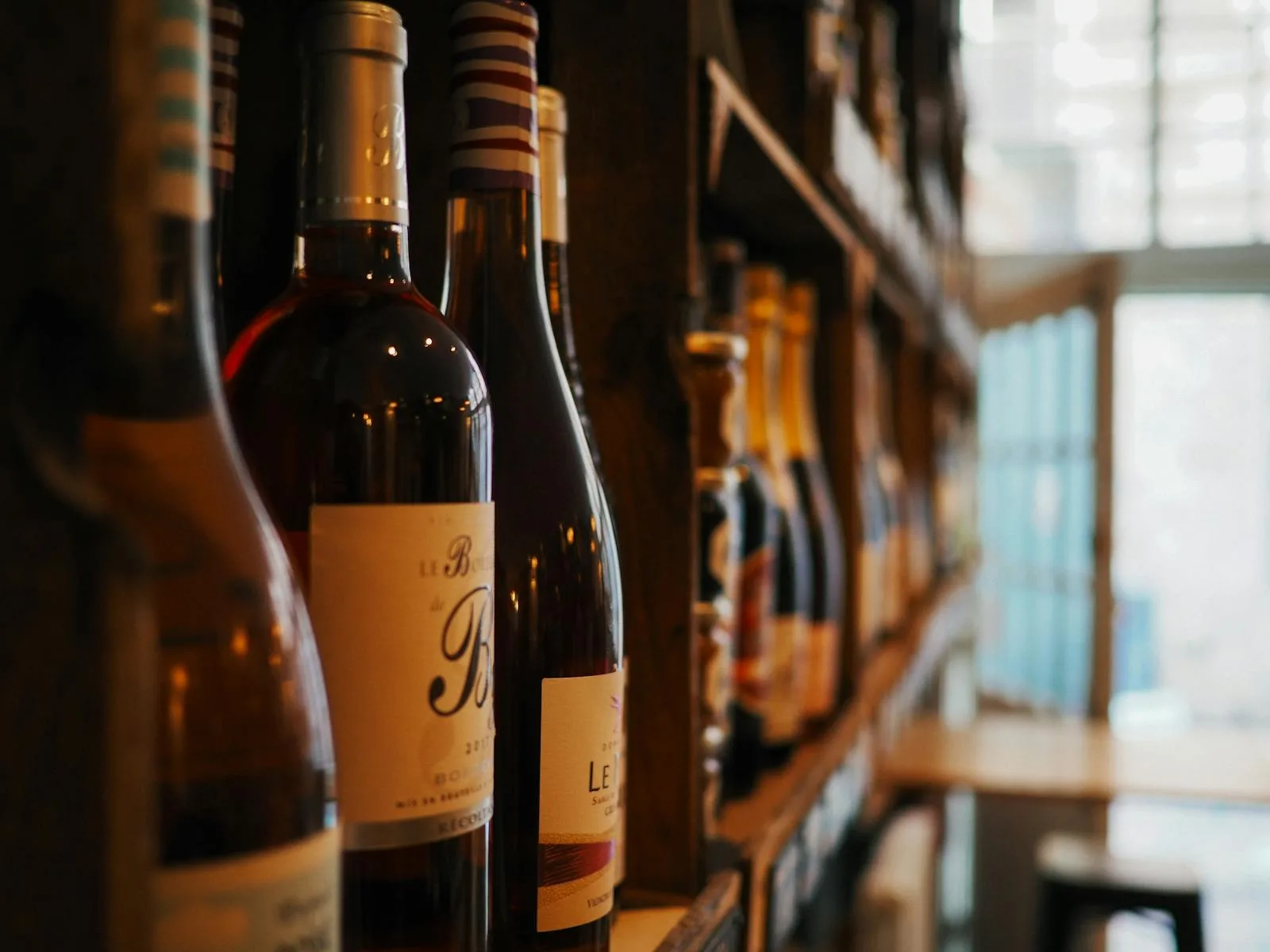
LiveMenu on Wine Label QR Codes for Restaurants
QR codes on private-label and house wines: vintage notes, food pairing, sommelier stories, and TTB COLA + EU labeling compliance.
Read the guide →
 Live
LiveMenu on Restaurant Menu QR on Business Cards
Menu QR codes on restaurant business cards: front vs back placement, vCard integration, and catering inquiry conversion.
Read the guide →
 Live
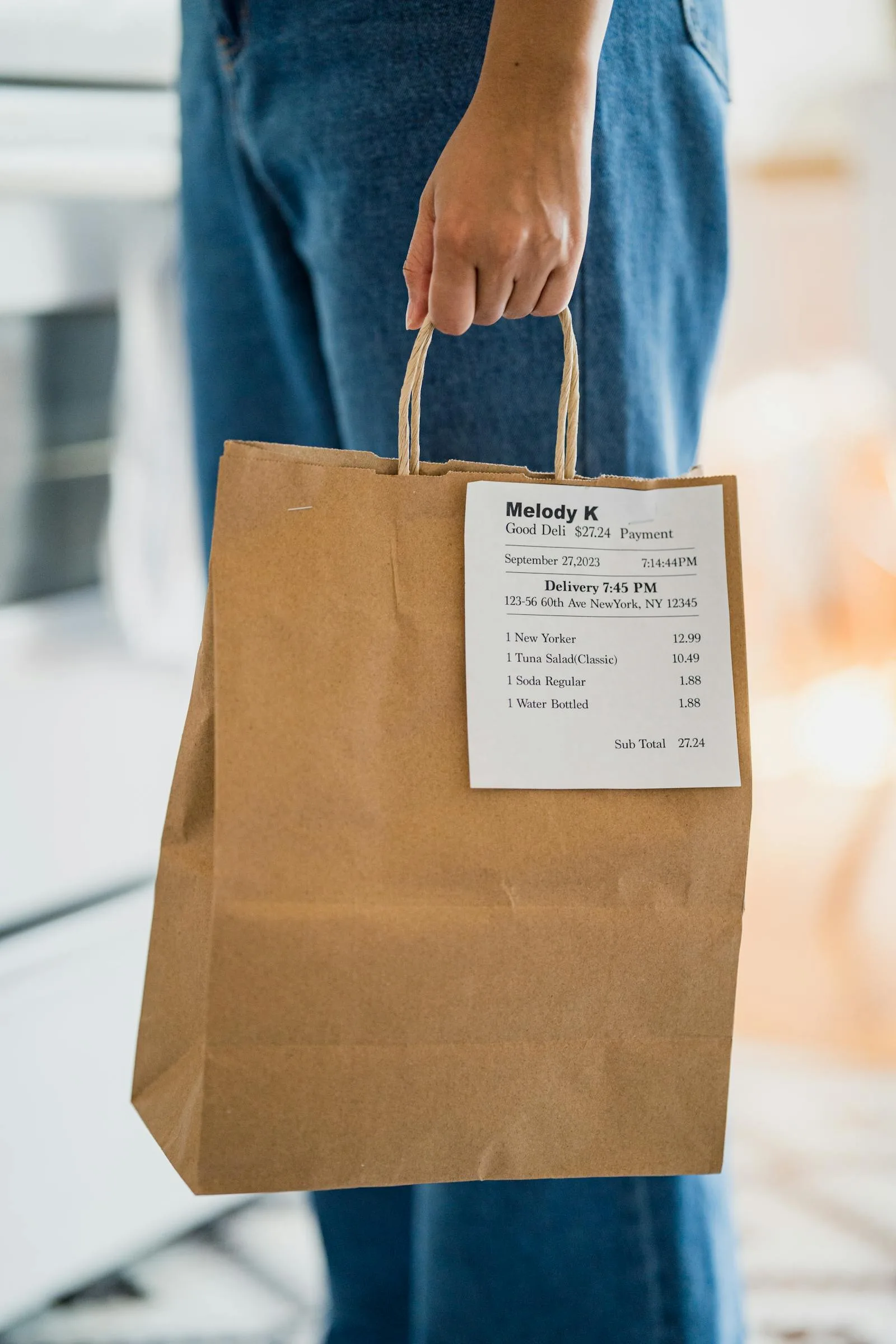
LiveMenu on Restaurant Menu QR on Takeout Bags
Menu QR codes on takeout bags and boxes: stickers vs printed bags, durability under grease and heat, and sustainable options that drive repeat visits.
Read the guide →
 Live
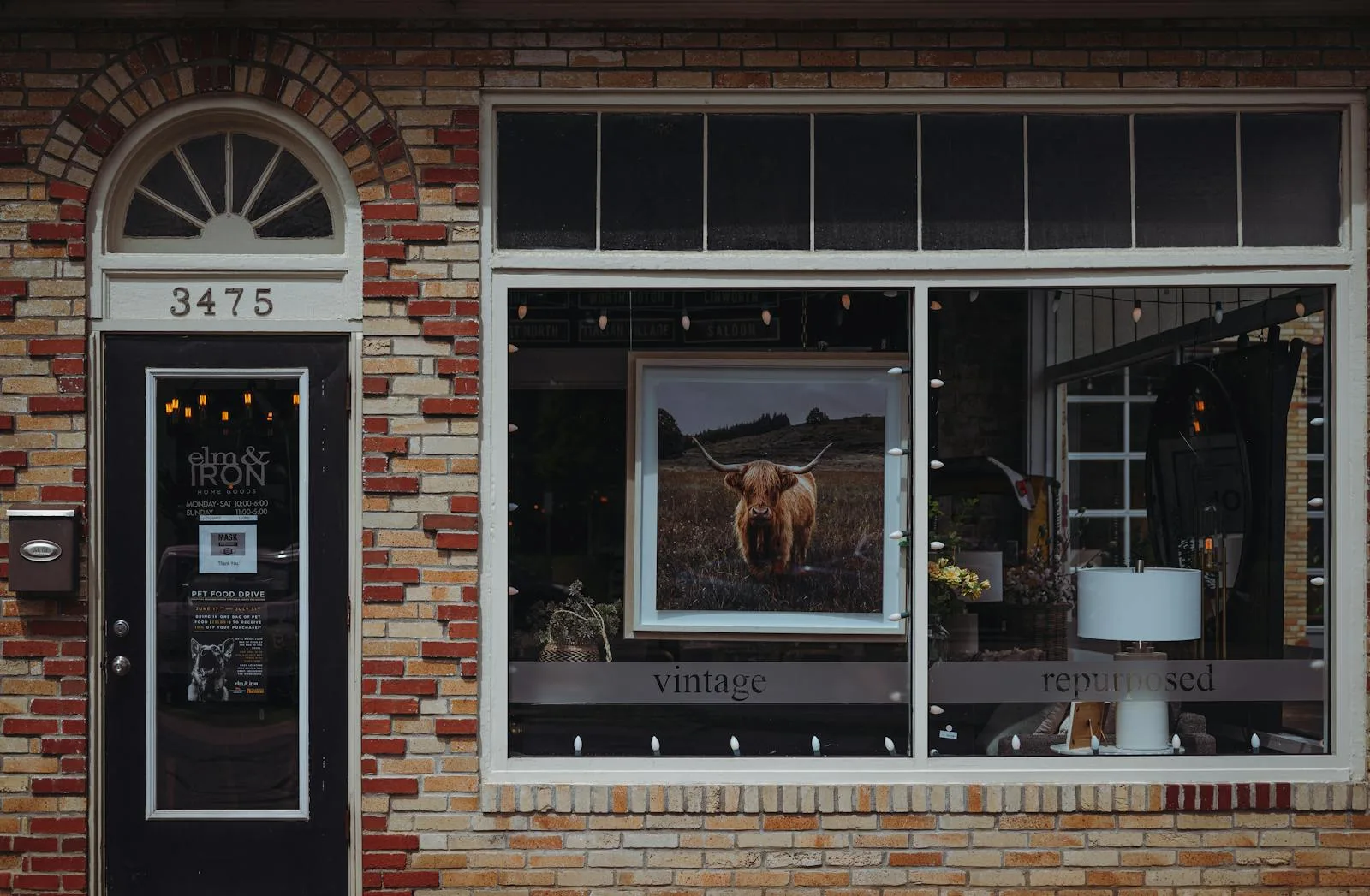
LiveMenu on Restaurant Menu Window Decals
QR menu codes on window decals: pre-entry menu access, weather-resistant materials, glass adhesion, and day vs night visibility.
Read the guide →
 Live
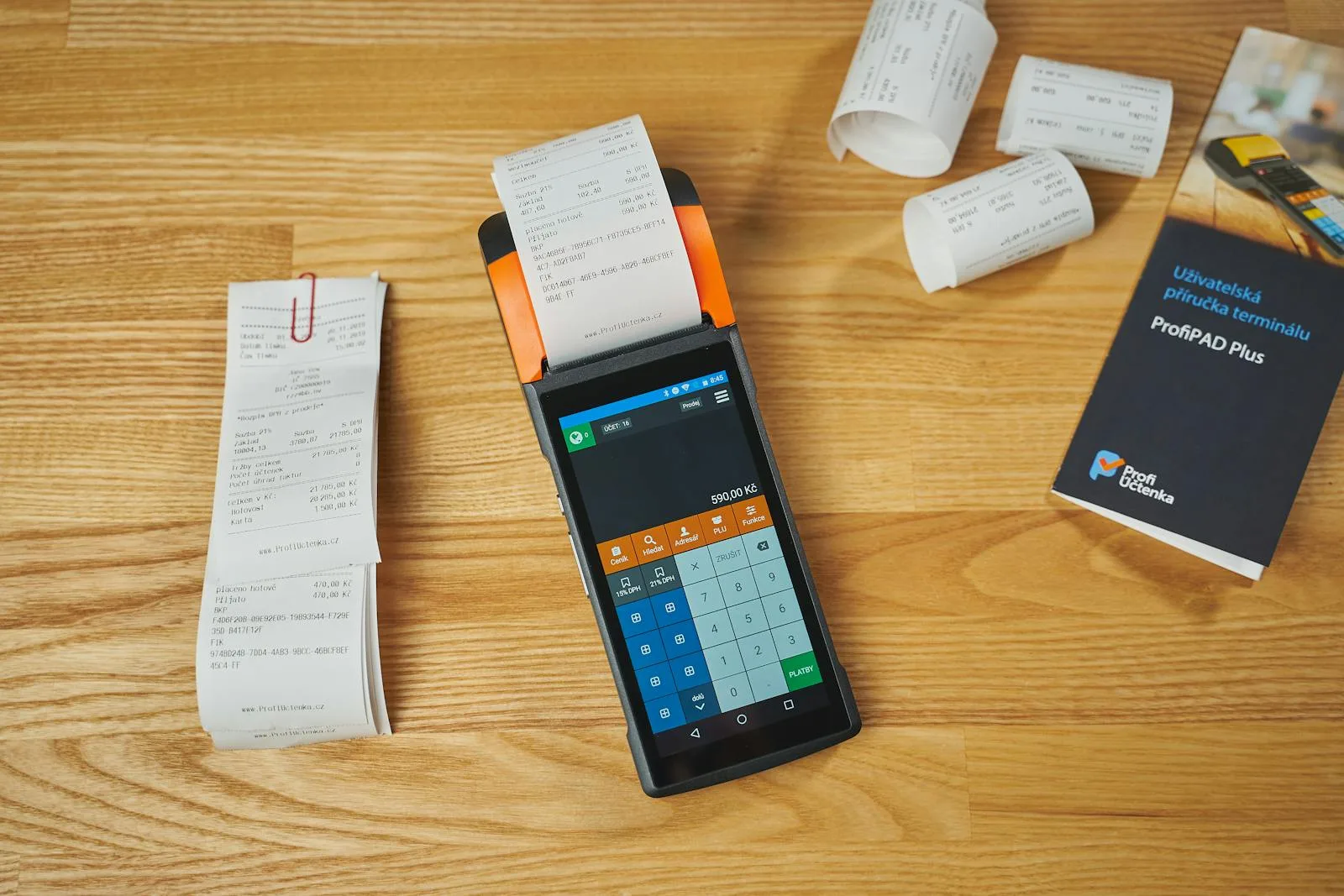
LiveMenu on Restaurant Menu QR on Receipts
Add a menu QR code to printed receipts: thermal printer compatibility, design tips, and review prompts for Toast, Square, Clover, and Lightspeed.
Read the guide →
 Live
LiveMenu on Restaurant Menu on Table Tents
QR menu codes on table tents: design, sizing, materials, placement angles, and multi-side printing best practices for visibility and durability.
Read the guide →
 Live
LiveMenu on Restaurant Menu in Email Signature
Add your restaurant menu to your email signature in Gmail, Outlook, and Apple Mail: plain link vs button vs banner, and how to tell if it gets used.
Read the guide →
 Live
LiveMenu on Restaurant Menu on Facebook Page
Add your menu to your Facebook Page: View Menu button, Menu tab, About link and pinned post, all using one menu link that stays current as prices change.
Read the guide →
 Live
LiveMenu on Restaurant Menu in TikTok Bio
Add your restaurant menu to your TikTok bio: single link vs link-in-bio tools, how to measure clicks, and what works for restaurants in 2026.
Read the guide →
 Live
LiveMenu on Menu on Your Website
Embed your restaurant menu on your website: iframe vs link, mobile-first setup, SEO impact, and WordPress, Squarespace, and Wix walkthroughs.
Read the guide →
 Live
LiveMenu on Share Your Restaurant Menu on WhatsApp
Share a current menu link in WhatsApp Business profiles, quick replies and catalogs. Keep conversational orders separate and understand source attribution.
Read the guide →
 Live
LiveMenu on Menu on Google Business Profile
Add your restaurant menu to Google Business Profile: URL link vs Menu Editor, photo strategy, Google Posts, AI Overviews surfacing. Operator guide.
Read the guide →
 Live
LiveMenu on Add Your Restaurant Menu Link to Instagram
Choose a direct menu link or a maintained links page, label the destination clearly, and test the guest journey and supported Menujo source tracking.
Read the guide →
Why Distribution Beats the Menu Itself
A perfect menu fails if customers never see it. Channel mix is the half of menu strategy most restaurants under-invest in.
Customer-Journey Aware
Discovery (Instagram, Google Business Profile, TikTok) is a different stage than decision (your website, WhatsApp) and consumption (table tent, takeout bag, receipt). Each channel serves a different stage. The wrong message in the wrong channel converts at half the rate of the right one.
Native Tools Before Aggregators
Instagram added 5 native bio links in 2023. Google Business Profile has a built-in menu field. WhatsApp Business carries click-to-chat links. Each native tool is free, has no aggregator branding, and tracks clicks in the platform's own analytics. Most operators reach for Linktree first. We suggest exhausting native tools before paying for an aggregator.
Per-Channel Attribution
Without UTM tagging, every channel's traffic looks like "direct" in your analytics, with no way to tell which channel actually drives menu views. We show the UTM patterns that separate Instagram bio from Stories from Google Business Profile from email signature, so you can stop guessing about your channel mix.
One Menu URL, Many Touchpoints
Your Menujo URL doesn't change. Distribute it across every channel, including bio links, GBP, takeout bags, receipts, and business cards, and update the menu once when items change. No reprinting, no per-channel menu duplicates, no version-mismatch.
The Channel Mix: Where Restaurants Actually Get Menu Views
Most restaurants get 60-80% of their menu views from 2-3 channels and the rest is long tail. The mix varies by concept: a coffee shop's distribution looks nothing like a fine dining room's, but the channel inventory below covers the dominant touchpoints across all concepts.
| Channel | Journey stage | Native tool | Setup time |
|---|---|---|---|
| Instagram bio | Discovery | 5-link feature (free) | 2 min |
| Google Business Profile | Decision | Menu field (free) | 10 min |
| WhatsApp Business | Decision / order | Catalog + click-to-chat | 15 min |
| Your own website | Decision | Direct link or embed | 5 min |
| Email signature | Retention | Settings → Signature | 2 min |
| Table tents (in-venue) | Consumption | Print + place | 15 min |
| Storefront window decal | Discovery (foot traffic) | Print + apply | 10 min |
| Receipts | Retention | POS receipt template | 10 min |
| Takeout bags / packaging | Retention | Sticker or print | 15 min |
Native Tools Beat Aggregators (For Most Restaurants)
The big three social and discovery platforms have rolled out native menu-link features that most restaurant operators don't know exist. Each is free, lacks aggregator branding, and tracks clicks in the platform's own analytics. Reach for these before paying for Linktree or any third-party aggregator.
| Native feature | What it does | Free? | Limit |
|---|---|---|---|
| Instagram bio links | Up to 5 labeled links in profile | Yes | 5 links max |
| Instagram Story Link Sticker | Tappable link inside any Story | Yes (all accounts since 2021) | 1 link per Story |
| Google Business Profile menu | Dedicated menu field, surfaces in Maps | Yes | Single URL field |
| Google Posts | Time-bound updates with CTA buttons | Yes | Posts expire after 7 days |
| WhatsApp Business catalog | Product/menu list inside the WhatsApp app | Yes | Verified business profile required |
| WhatsApp click-to-chat | wa.me/[number] link routes to chat | Yes | Customer must have WhatsApp |
| TikTok bio link | Single link in profile (Business accounts) | Yes (free Business switch) | 1 link, business account only |
The pattern: distribute one stable menu URL across every native tool, tag each one with a different UTM source so your analytics show which channel actually drives menu views, and update the menu content once when items change. The URL stays the same, so every channel automatically serves the latest version. To put your menu on a permanent URL first, create a free menu on Menujo. The menujo.com/@your-restaurant URL pattern is designed to be permanent for the lifetime of your account, so every channel link you set up keeps working forever.
For the broader question of which menu platform to use in the first place, see our comparison hub. For concept-tuned menu structure (cafés, food trucks, hotels, fine dining), see the restaurant-type hub.
Frequently Asked Questions
Cross-surface answers. The rest live in each surface-specific guide above.
Where should my restaurant menu actually live online?
On a single, stable URL that you distribute everywhere. Every other channel, whether that is Instagram bio, Google Business Profile, WhatsApp, your website, or takeout bags, points at that one URL. When you update the menu, every channel updates automatically. Don't maintain separate menus per channel; that creates version-mismatch and outdated information across your distribution.
Which channel drives the most menu views for a typical restaurant?
Highly variable, but the consistent pattern across operators we work with: Instagram bio is #1 for cafés, food trucks, and trend-driven restaurants; Google Business Profile is #1 for full-service restaurants and local-search-dependent venues; in-venue table tents and counter QR codes dominate for busy fast-casual or sit-down concepts. Most restaurants get 60-80% of their menu traffic from 2-3 channels and the rest is long tail.
Do I need Linktree or a link-in-bio aggregator?
Probably not. Instagram added native multi-link support in 2023 (up to 5 links with custom labels), TikTok has its bio link, and Google Business Profile has a dedicated menu field. Aggregators (Linktree, Menuzen, UniLink) make sense when you have 6+ priority destinations and want centralized analytics, but most restaurants are well served by Instagram's native 5-link feature plus a direct Menujo URL.
How do I add my menu to my Instagram bio?
Tap your profile picture, tap Edit profile, scroll to the Links section, paste your menu URL, and add a clear title like "View Our Menu". Instagram supports up to 5 links natively since 2023. The first link gets ~60-70% of clicks, so put the menu first if menu access is your top customer intent. See our Instagram bio guide for the detailed walkthrough.
How do I track which channel drives menu views?
Menujo's menu analytics count views by day, device and country, but they do not report which channel a view came from or read UTM parameters. If you need per-channel numbers, route each channel through a link you can measure, such as a page on your own website with analytics installed that then links to your menu, and tag those links with UTM parameters (for example utm_source=instagram&utm_medium=bio). Our free UTM builder generates the tagged links.
Should the menu link in my Google Business Profile point at my website or directly at the menu?
Directly at the menu, in almost every case. The customer's intent when clicking a menu link from GBP is to read the menu, not to browse your website. Sending them to a homepage adds taps and friction. The exception: restaurants whose marketing homepage acts as a conversion funnel for reservations or events. In that case sending to the homepage might make sense, but only if the homepage clearly surfaces menu access at the top.
Can WhatsApp be used to share my menu?
Yes. WhatsApp Business has a dedicated catalog feature for product/menu listing, plus click-to-chat links you can share anywhere. Many operators outside the US use WhatsApp as the primary menu distribution channel because it integrates with delivery, pre-orders, and direct ordering conversations. The pattern: a click-to-chat link from your other channels (Instagram, Google) opens a WhatsApp conversation pre-loaded with a menu link.
Should I embed the menu on my own website or just link to it?
Link to it for most restaurants. The menu lives at one stable URL (Menujo, your custom domain, or wherever you host) and your website links to it. Embedding via iframe duplicates the menu, complicates SEO (potential canonical issues), and locks the visual styling to your website's theme. Direct linking is cleaner unless you have a specific reason to embed (e.g., the menu must appear inside a booking flow on the same domain).
How often should I update the menu link across all my channels?
Set the menu URL once and leave it. Use a permanent URL pattern (Menujo's menujo.com/@your-restaurant doesn't change) so you never need to update channel links because of platform migration. The actual menu content updates instantly when you edit items in the dashboard. The URL stays the same, so every channel automatically serves the latest menu.
What channels should I prioritize first as a new restaurant?
Three in week one: (1) Instagram bio with a clear menu link, (2) Google Business Profile fully populated with hours, photos, and the menu URL, (3) in-venue QR placement at tables and counters. After those are live, add WhatsApp Business if you serve markets where WhatsApp is the dominant channel, and your own website if you have one. Skip low-priority channels until the basics are converting.
Does posting a menu link to Reddit, Twitter/X, or other channels matter?
Marginally. Most restaurant traffic from Reddit and X is incidental: a customer mentioning your spot, not a discovery driver. The exception is restaurants that build genuine community presence (food blog featured in r/coffee, viral TikTok crossposted to X). Don't over-invest in these unless you're already organically present. Focus distribution effort on the channels with proven volume for restaurants: Instagram, Google Business Profile, in-venue, and email.
How do I add a menu link to my email signature?
In Gmail, Outlook, or Apple Mail: open Settings → Signature, add a line like "View our menu →" with a hyperlink to your menu URL (with a UTM tag like utm_source=email&utm_medium=signature). Apply to all outgoing emails, including transactional ones from your booking system or POS if those allow signature insertion. Email-driven menu views convert at much higher rates than social-driven views because they're typically from existing customers.
Other Menujo Hubs
Related libraries you'll want next.

Ready to Create Your Free Digital Menu?
Join restaurants using Menujo. Create your free menu in minutes. No credit card required.
Free Plan Forever • No Credit Card Required • Paid Plans from $7/month