Digital Menus for
Every Restaurant Type
Concept-first guides for the actual operator context: a barista handing off coffee at a counter, a diner deciding on a tasting menu, a food truck operator marking carnitas as sold out. Each guide maps the workflow to the right menu setup, QR placement, and update cadence for that concept.
Browse Restaurant-Type Guides
Each guide starts from the concept's actual workflow and ends at the menu setup that fits that workflow.
 Live
LiveDigital Menus for Restaurants
A digital menu for restaurants updates instantly, so a price change no longer means reprinting paper menus. Start on a free plan, no credit card.
Read the guide →
 Live
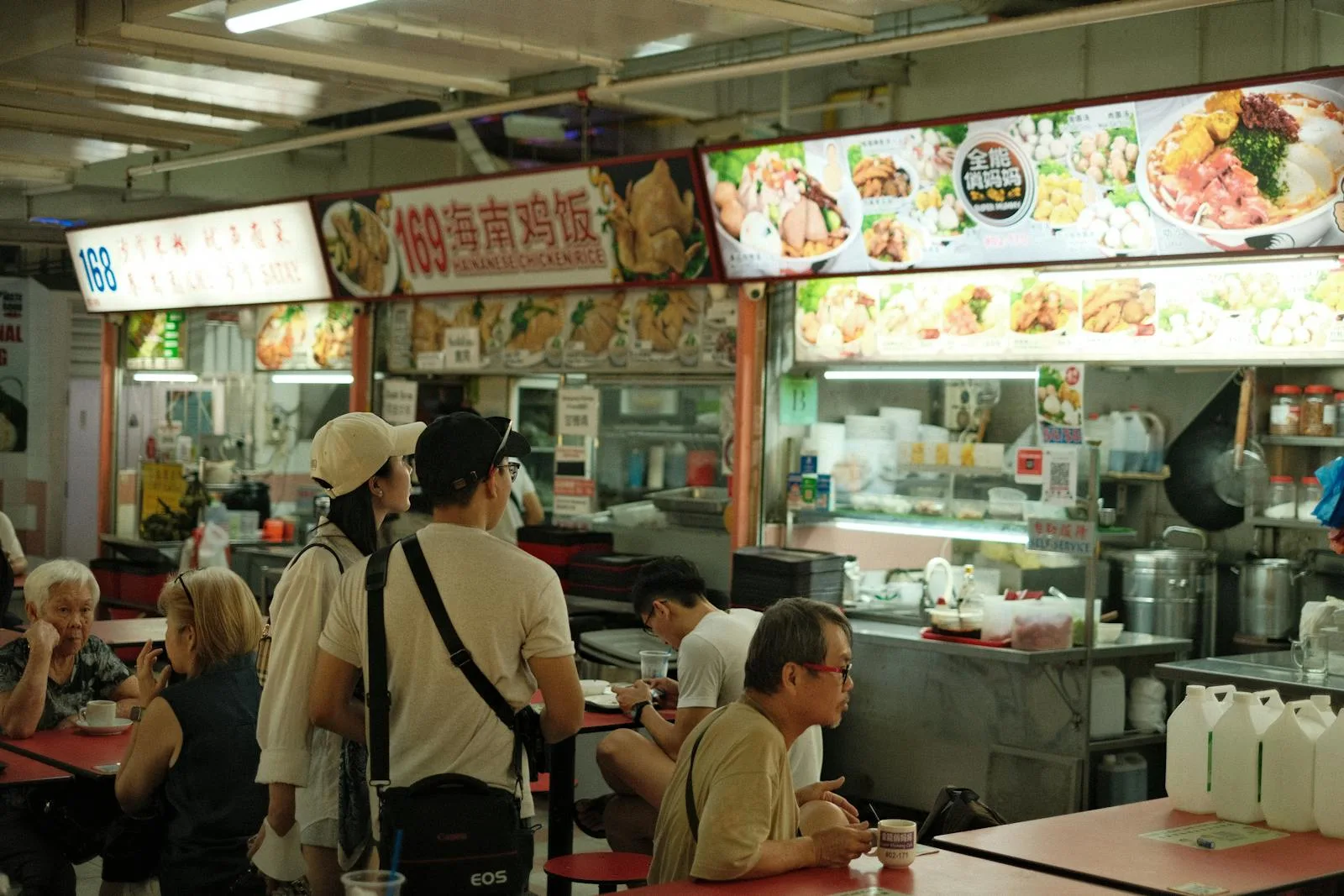
LiveDigital Menus for Food Courts 2026
Digital menus for food courts: per-stall menus and table QR codes for malls, airports and food halls. Display only; ordering needs a separate platform.
Read the guide →
 Live
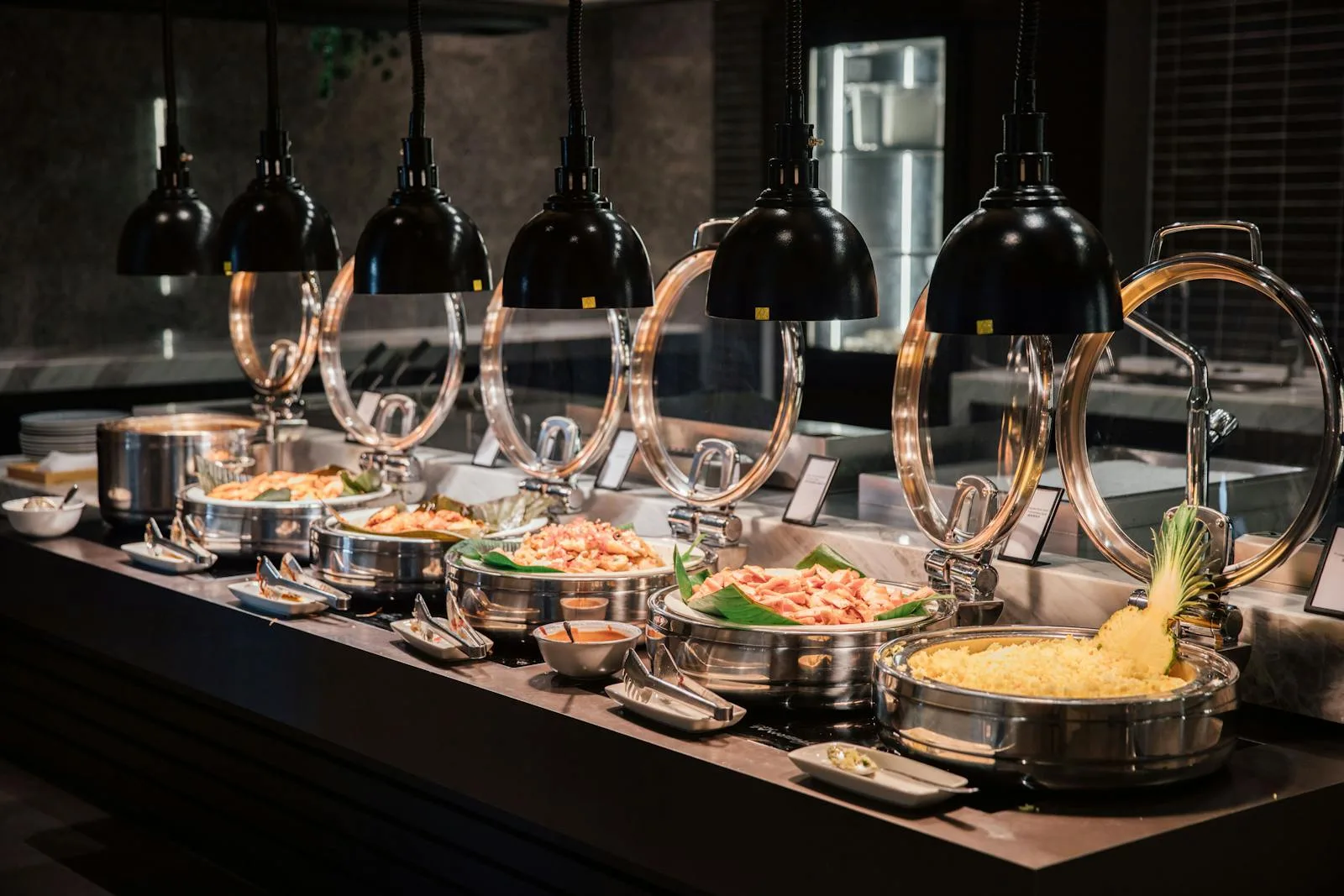
LiveDigital Menus for Buffet Restaurants
Digital menu setup for buffet restaurants: station-based structure, allergen transparency, lunch vs dinner pricing, brunch menus. Free QR setup.
Read the guide →
 Live
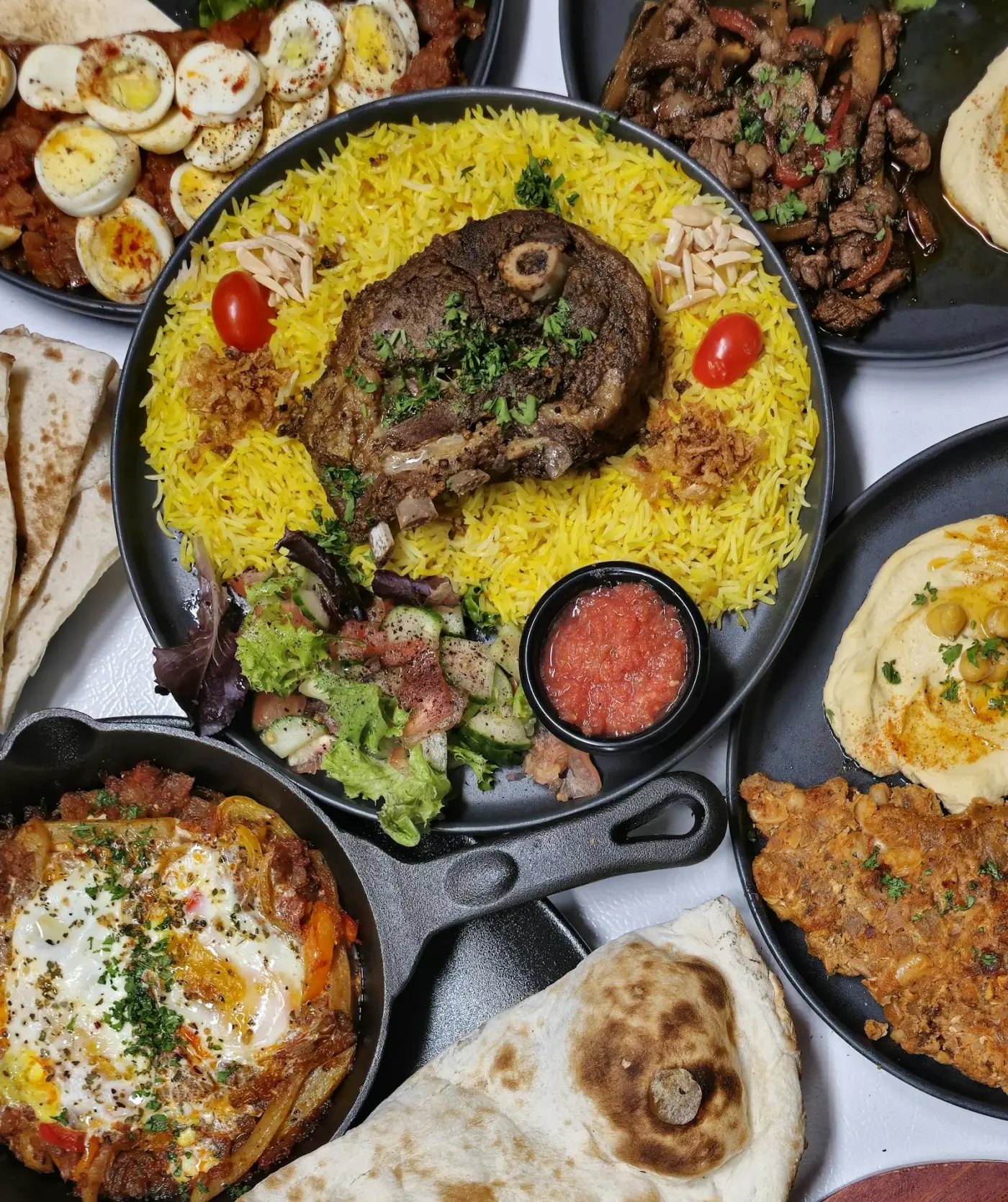
LiveDigital Menus for Halal Restaurants
Digital menu setup for halal restaurants: certification display, trust badges, dietary tags, Arabic and English menus. Free QR menu setup for 2026.
Read the guide →
 Live
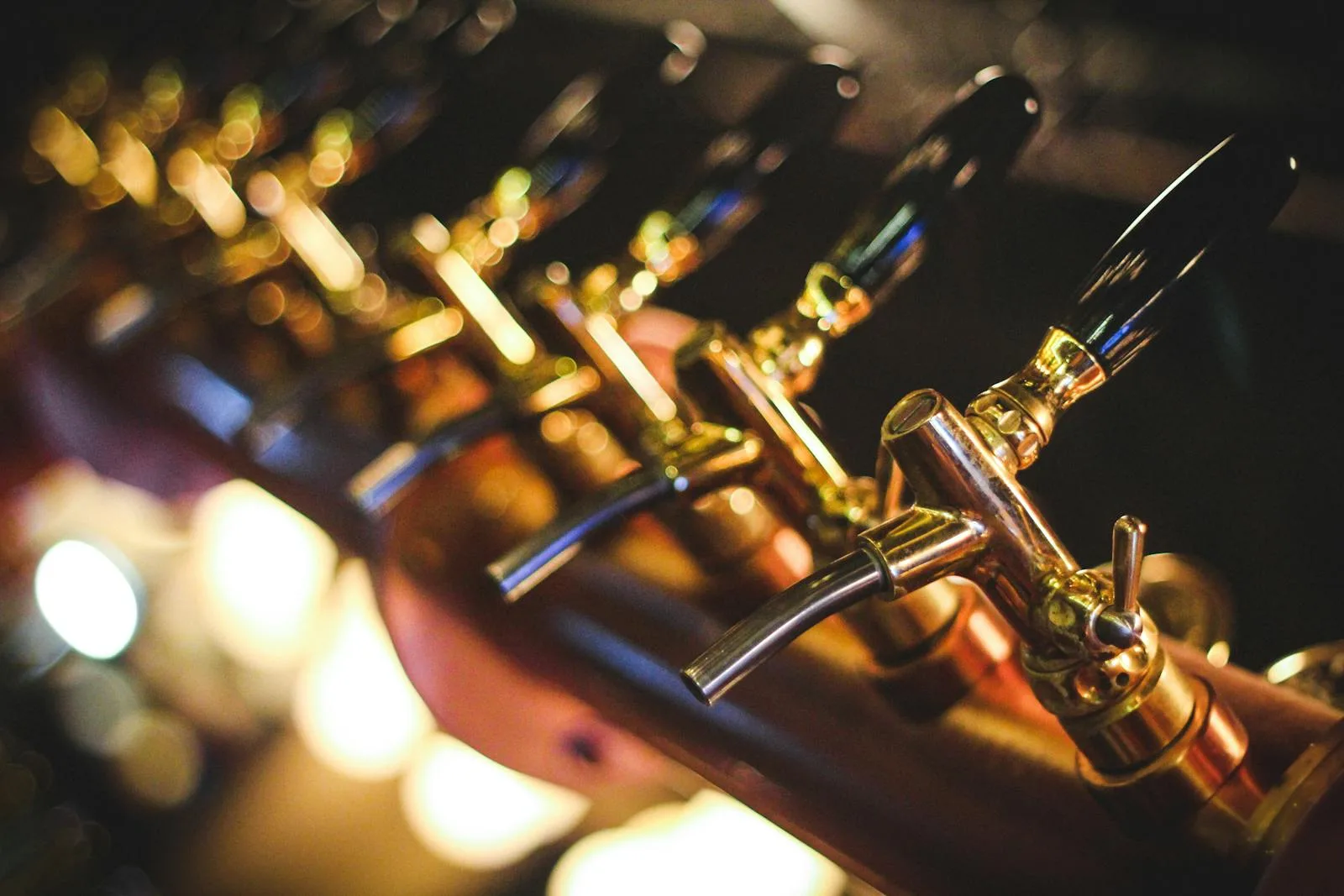
LiveDigital Menus for Digital Tap List for Breweries
Build and maintain a readable tap list with serving sizes, product notes and availability. Use Menujo for display while staff confirm orders and labels.
Read the guide →
 Live
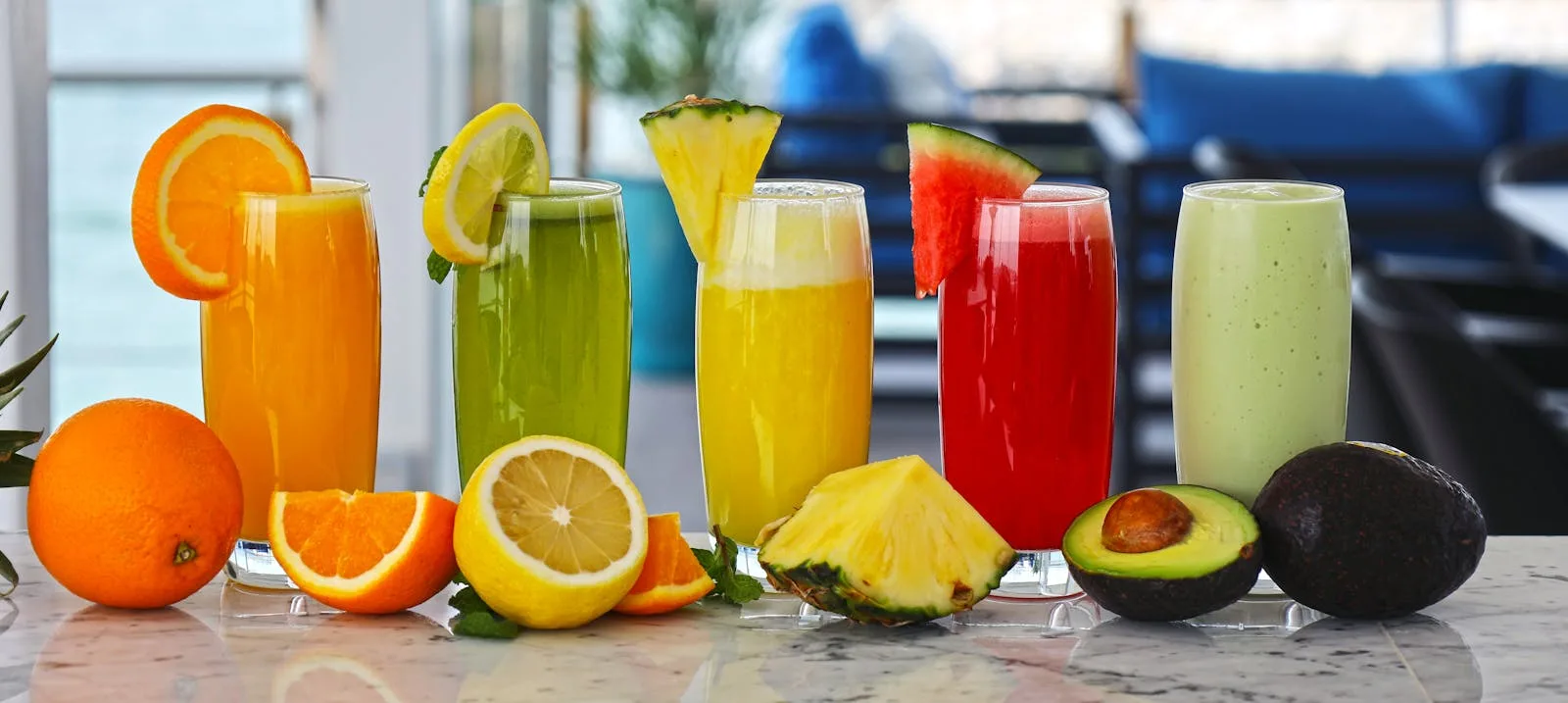
LiveDigital Menus for Juice Bar Digital Menu
Juice bar digital menu: ingredient transparency, allergen flags, custom-blend builder, dietary substitutions (vegan, paleo, keto). Operator playbook.
Read the guide →
 Live
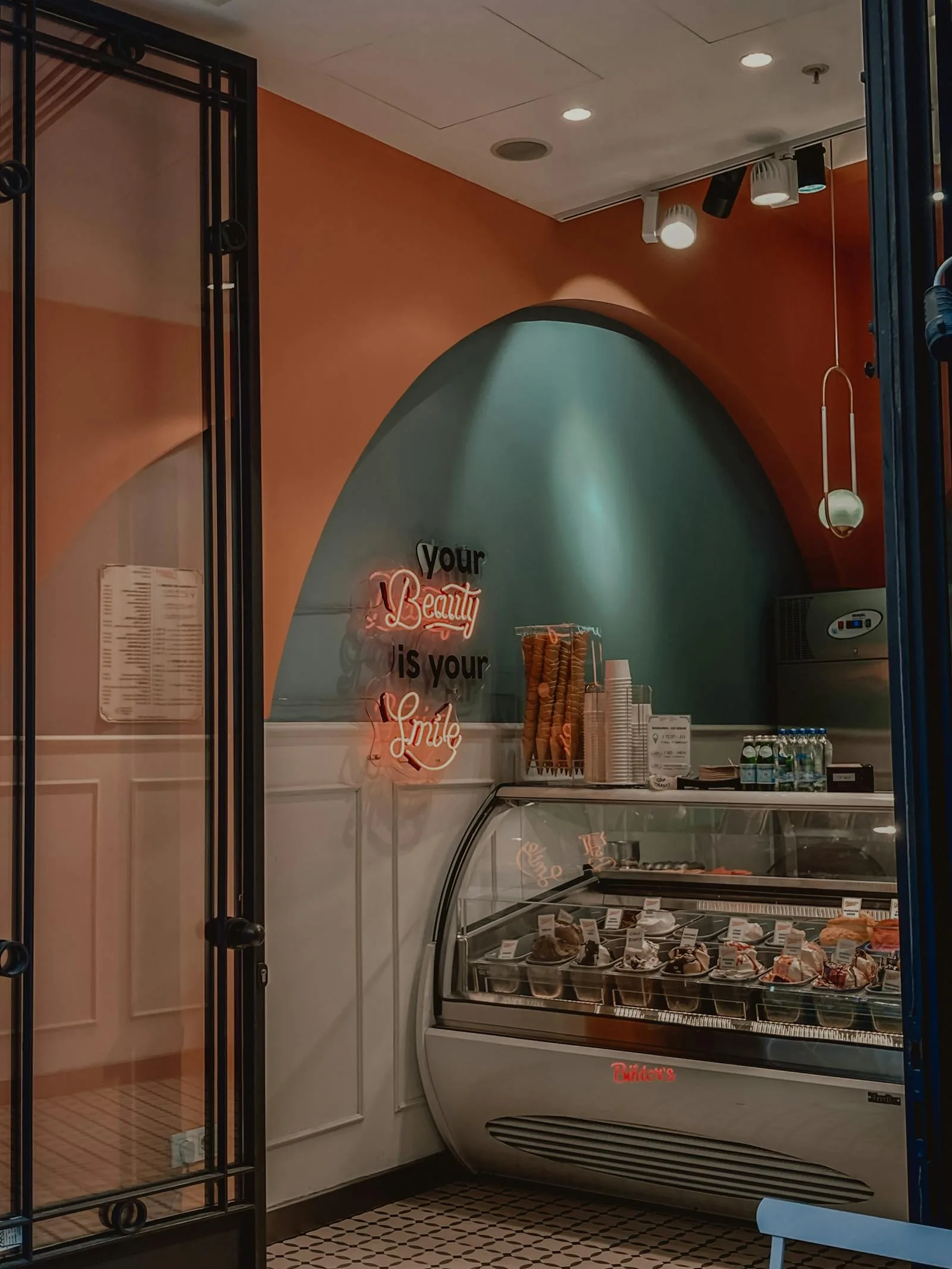
LiveDigital Menus for Ice Cream Shop Digital Menu
Ice cream shop digital menu: scoop-count pricing, mix-in modifiers, seasonal flavors, allergen flags, hot-weather demand spikes. Operator playbook.
Read the guide →
 Live
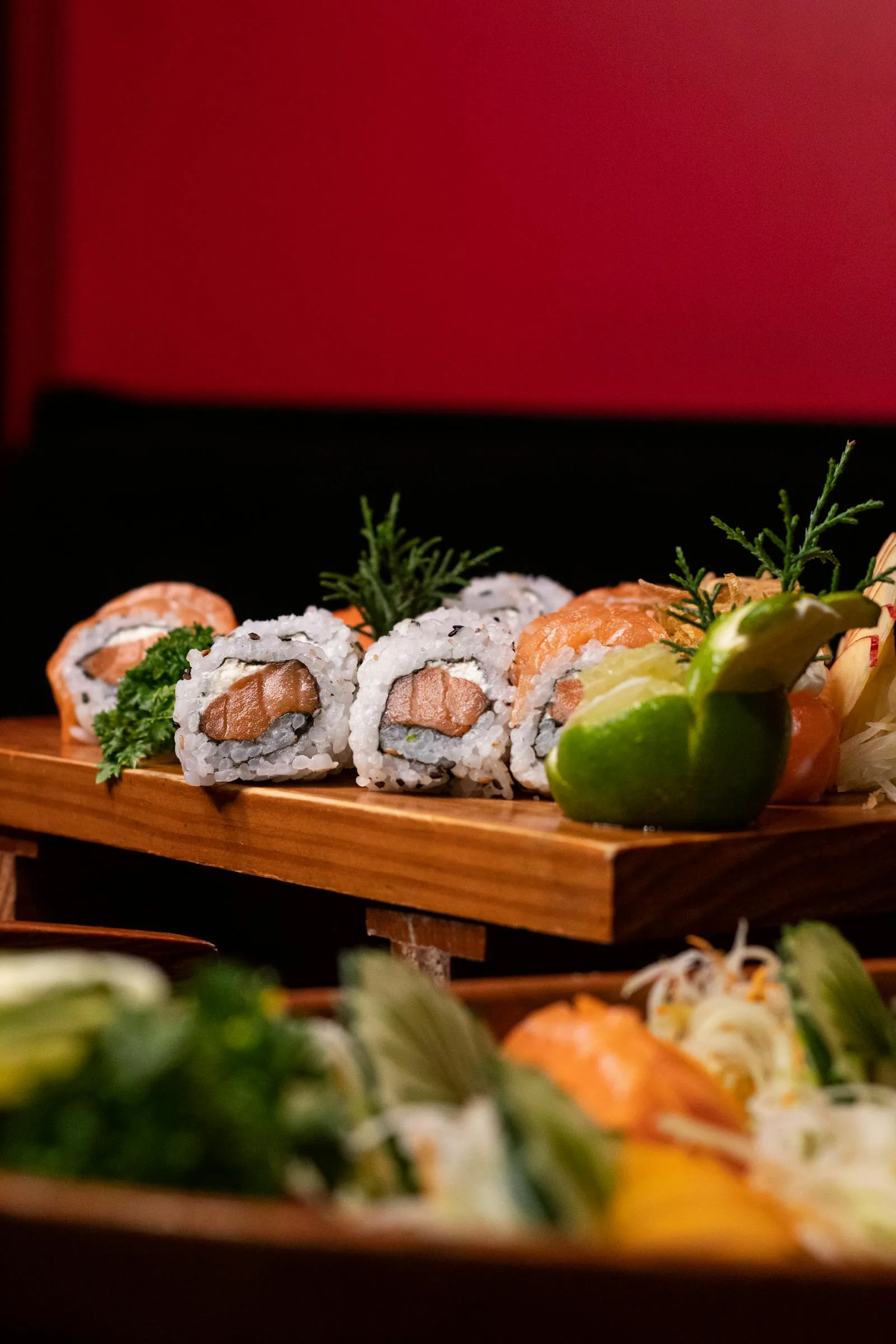
LiveDigital Menus for Sushi Restaurant Digital Menu
Sushi restaurant digital menu: omakase vs à la carte, allergen disclosure, raw-fish FDA advisory, one menu per language, daily fish-market rotations.
Read the guide →
 Live
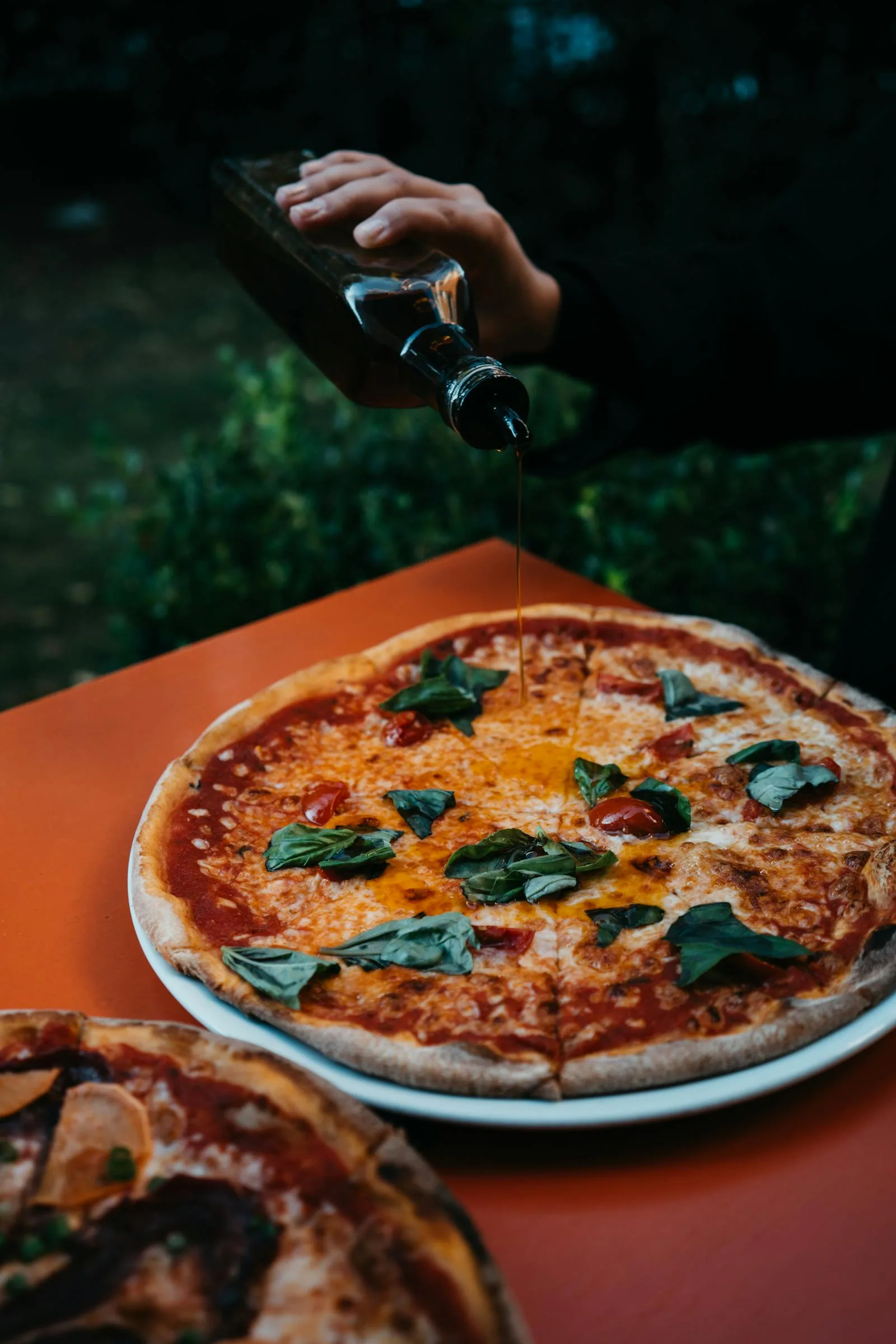
LiveDigital Menus for Pizzeria Digital Menu
Pizzeria digital menu setup: half-and-half toppings, by-slice vs whole-pie pricing, crust variants, modifier-heavy build-your-own. 90-min guide.
Read the guide →
 Live
LiveDigital Menus for Ghost Kitchen Digital Menu
Ghost kitchen and virtual-brand digital menu: DoorDash, Uber Eats, Grubhub, direct channels, multi-brand architecture, aggregator commission math.
Read the guide →
 Live
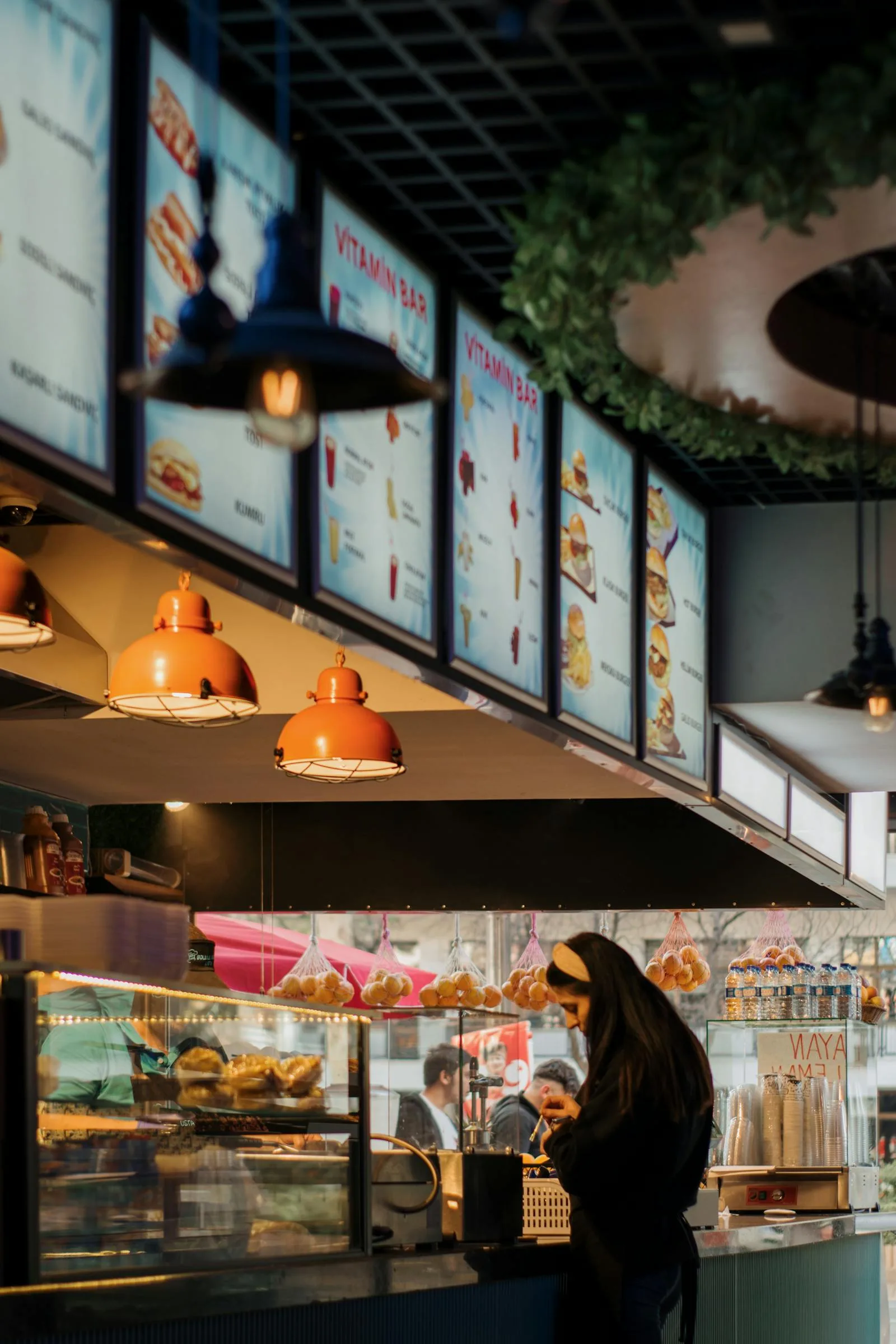
LiveDigital Menus for QSR Digital Menu
Quick-service restaurant digital menu: combo display, modifier groups, FDA calorie disclosure, drive-through QR placement. Free operator guide.
Read the guide →
 Live
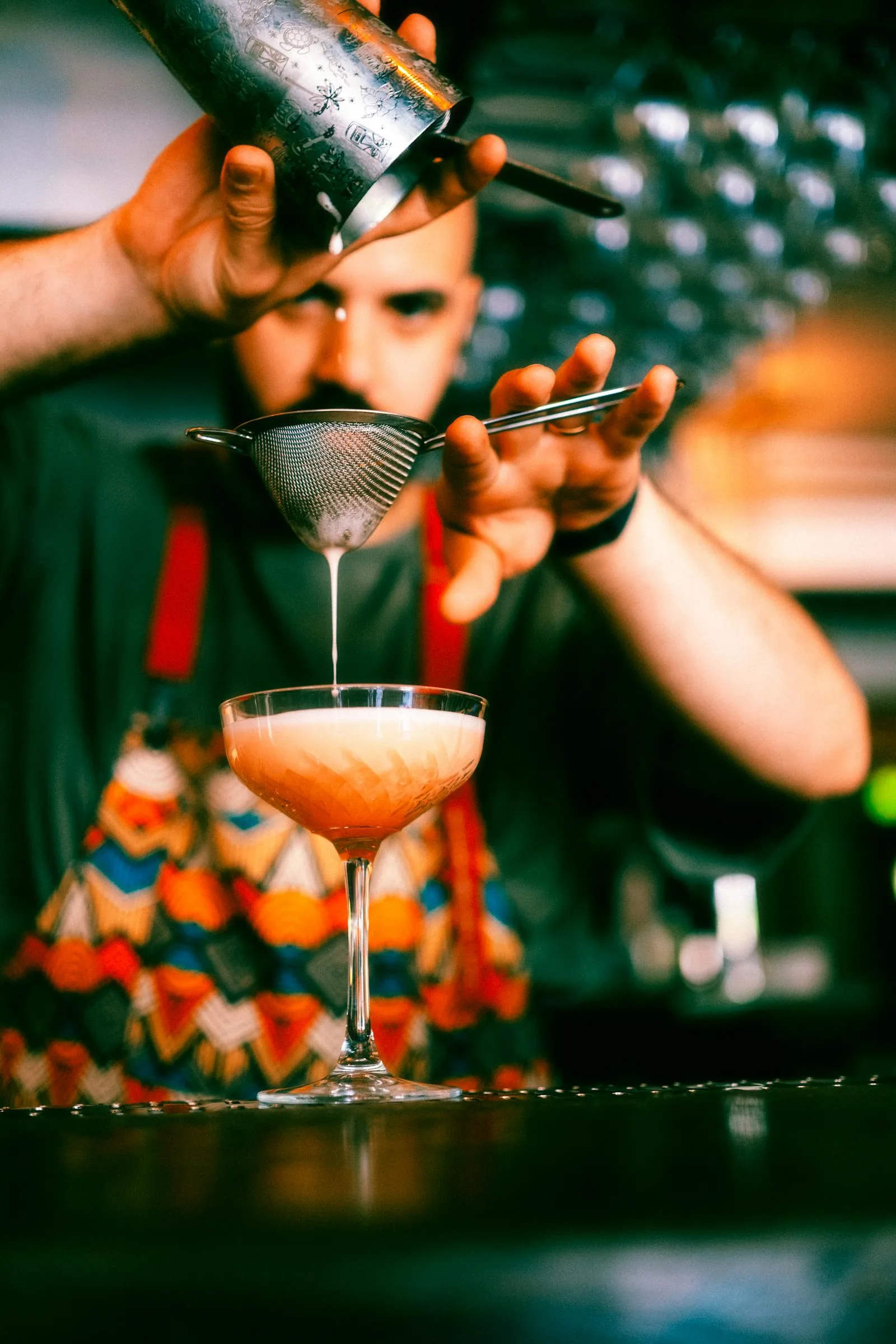
LiveDigital Menus for Bars
Bar digital menu setup: cocktail rotations, wine-by-the-glass, draft beer rotations, low/no-alcohol options. 60-min playbook for cocktail and wine bars.
Read the guide →
 Live
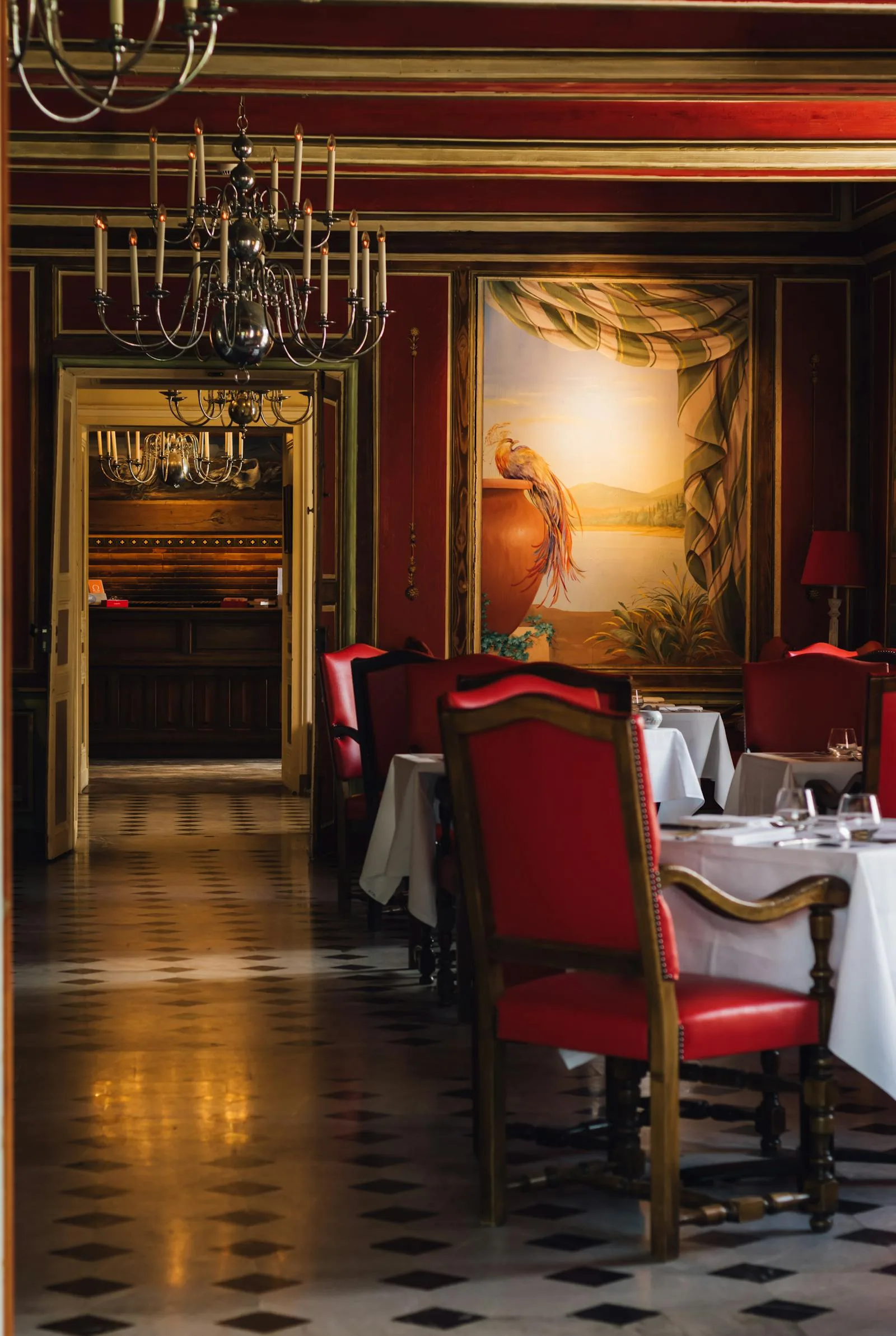
LiveDigital Menus for Fine Dining
Fine dining digital menu setup: wine pairings, course flow, allergen disclosure, ADDE Act compliance, the QR-vs-tablet decision. An operator guide.
Read the guide →
 Live
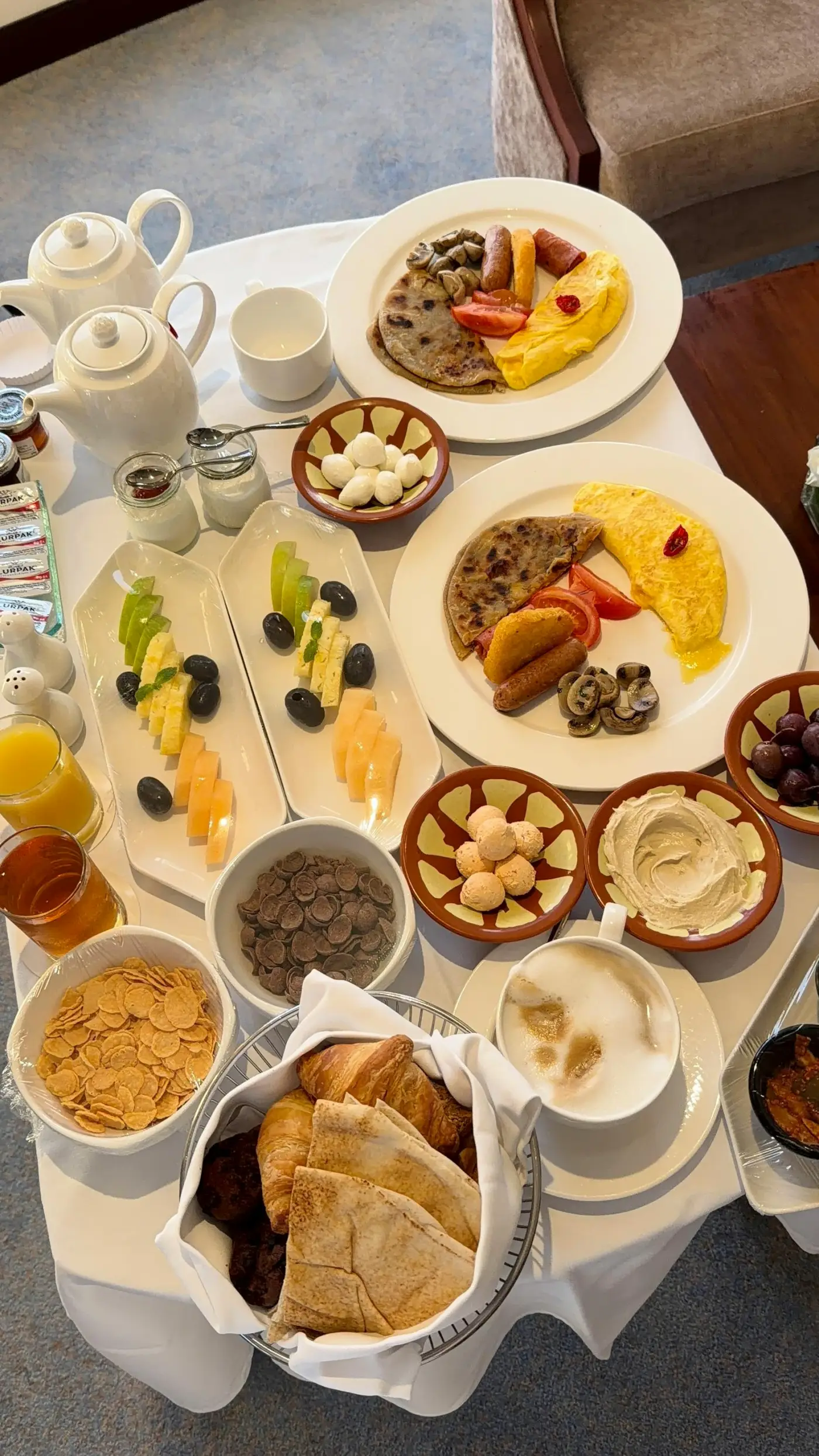
LiveDigital Menus for Hotel Digital Menu
Hotel room-service and F&B digital menu setup: bilingual menus, in-room QR placement, allergen disclosure, working alongside your PMS. Operator playbook.
Read the guide →
 Live
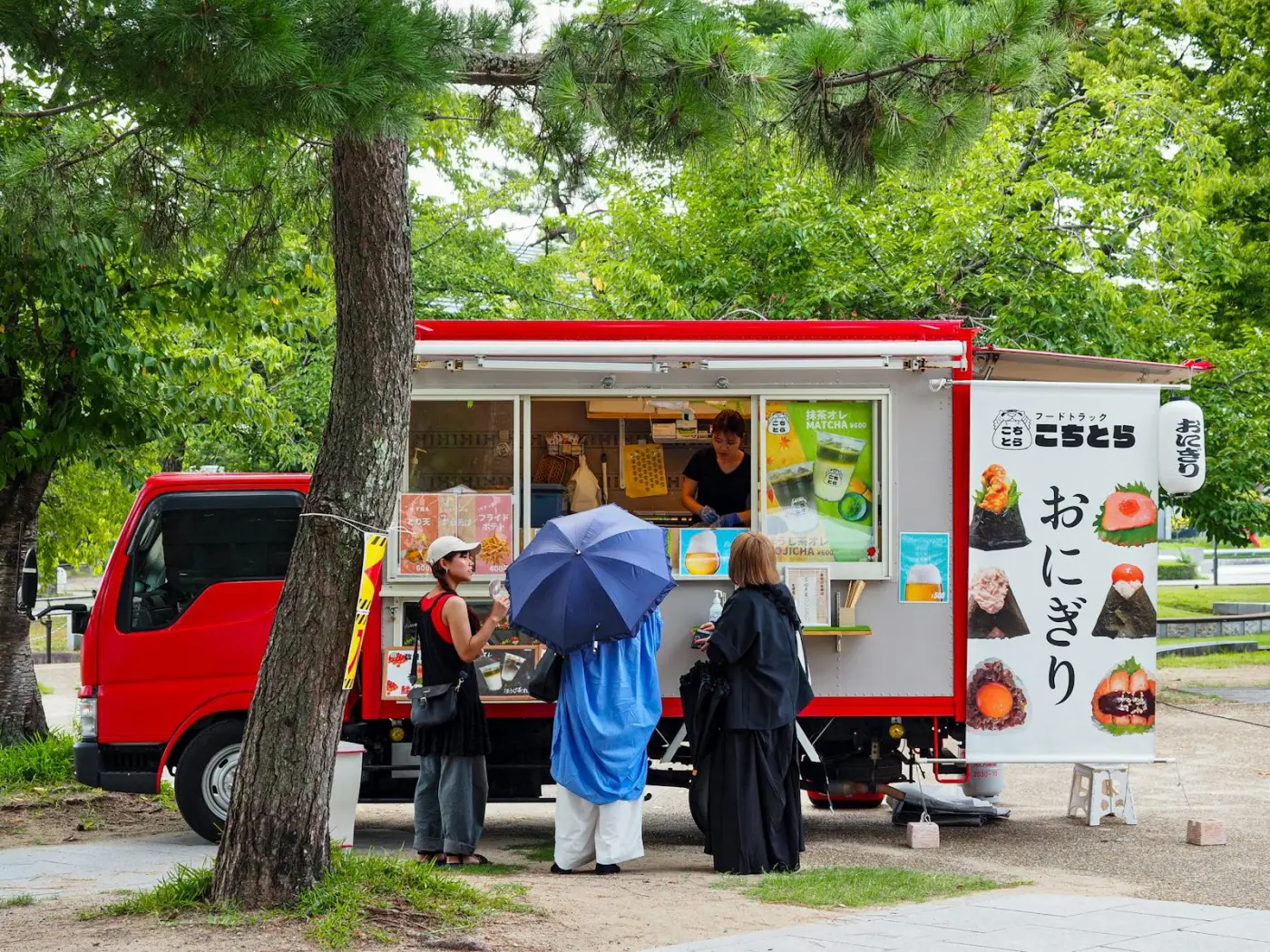
LiveDigital Menus for Food Trucks
Food truck digital menu setup: daily menu changes, weatherproof QR placement, weak-signal handling at festivals. Free 90-min operator guide.
Read the guide →
 Live
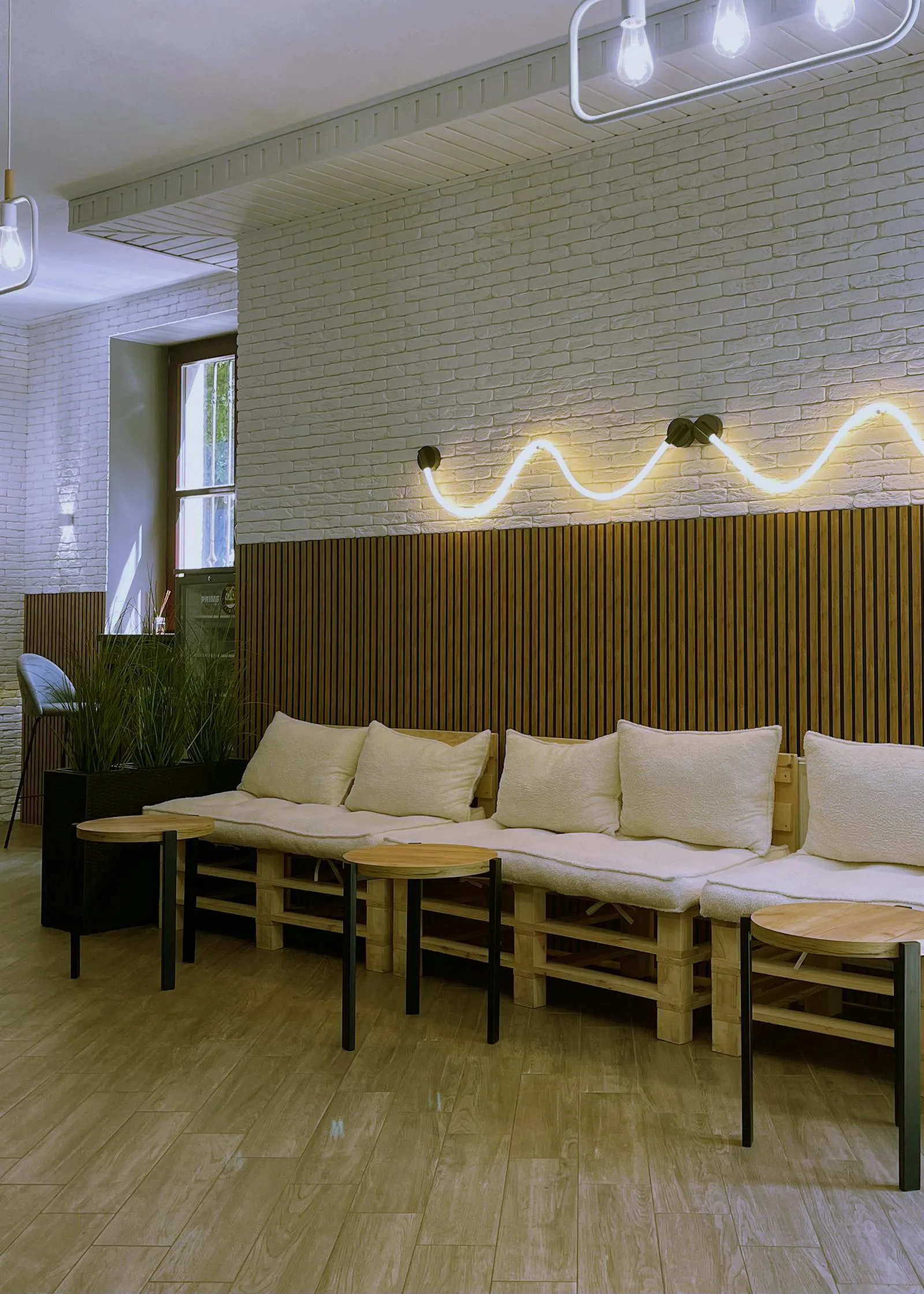
LiveDigital Menus for Cafés and Coffee Shops
Plan cafe menus around drink sizes, milk options, daily pastries and scannable QR codes. Check plan limits, backups and printing costs.
Read the guide →
Why a Concept-First Approach
Most digital menu content treats every restaurant the same. The actual workflow differences between concepts are large enough to matter.
Workflow-First, Not Feature-First
A café needs grab-and-go speed. A fine dining room needs course flow and wine pairings. A food truck needs to mark items sold-out mid-service. We start from the actual operator workflow, not a generic feature list.
Real Cost Math by Concept
Printing costs differ wildly by restaurant type. A multi-page wine list reprints differently than a single-sided cafe menu. Each guide includes the real annual print cost for that concept and the matching digital break-even.
QR Placement Tuned to the Room
QR sizing depends on scan distance, lighting, and how customers move through the space. A standing-counter QSR placement is different from a 4-top dining table. We map placement to the room.
Compliance & Multilingual Defaults
Allergen labeling, calorie disclosure, room service hour rules, and hotel in-room compliance: the regulatory layer most platforms skip. Every guide flags the rules that apply to that concept.
What You'll Find in Every Guide
A common framework runs through every restaurant-type guide on Menujo. We start from the operator workflow, not the platform feature list. Each guide includes:
1. The Concept's Actual Workflow
How a customer interacts with this restaurant type, from walking in, to seeing a menu, to ordering, to paying. We map every workflow touchpoint where a digital menu replaces, augments, or is constrained by physical infrastructure. A drive-thru has different touchpoints than a cocktail bar.
2. Menu Structure That Fits the Concept
Cafe menus tend to have 4-6 categories with 30-60 items. Fine dining menus have 8-12 courses with detailed descriptions. Food trucks have 3 categories with 15-25 items. Bars structure cocktails by spirit family or mood. Each guide recommends category counts, item counts per category, photo strategy, and how to handle variants and modifiers for that specific concept.
3. QR Placement Tuned to the Room
QR sizing depends on scan distance. A standing-counter QSR placement (2m view distance) needs a 4-5cm code. A 4-top dining table placement (60cm) works with 2cm. A drive-thru menu board (5-8m) needs a 10cm+ code. We give the size math and the placement options for that concept's typical room layout.
4. Update Cadence and Permissions
A food truck operator updates the menu 1-3 times per day. A fine dining sommelier updates the wine list 1-2 times per week. A QSR head office pushes corporate price changes monthly. Each guide covers who in the team should have edit permissions, when to publish, and the rollback strategy if a price update goes wrong.
5. Compliance & Disclosure Rules
The regulatory layer most platforms ignore. Calorie disclosure rules (US chains 20+ locations under FDA), allergen labeling (UK Natasha's Law, EU Regulation 1169/2011), alcohol-related disclosure (state-by-state in the US), and hotel in-room compliance. Each guide flags the rules that apply to that concept and how a digital menu helps comply.
6. Real Cost Math vs Printed Menus
Printing costs differ by concept. A multi-page wine list reprints differently than a single-sided cafe menu. A food truck reprints 10-20 times per year on small runs. A QSR chain reprints across hundreds of locations. Each guide includes the real annual print cost for that concept and the digital break-even, with sources cited from current industry data. For the methodology, see our menu printing cost analysis.
7. Setup Walkthrough on Menujo
A 5-minute setup walkthrough using Menujo's free plan, tuned to the concept. The walkthrough is platform-specific because it's the live demo we know best, but the concept-level recommendations apply regardless of which platform you choose. If you want a side-by-side of the major platforms, see our comparison hub.
Frequently Asked Questions
Cross-concept fundamentals that apply to every guide in this hub.
Why does the right digital menu setup depend on the restaurant type?
Because the operator workflow, customer context, and update cadence are different. A cafe owner updates pastry availability twice a day; a fine dining sommelier updates the wine list weekly; a food truck operator changes the entire menu for every event. The menu structure, photo strategy, QR placement, and update permissions you need are different for each. A single generic recommendation under-serves every concept.
Are these guides written for Menujo specifically or for any digital menu platform?
Each guide uses Menujo as the live demonstration because we know the platform's feature set end to end. The principles, meaning menu structure for the concept, QR placement, update cadence, and compliance, apply to any platform. If you choose a different platform, the workflow recommendations still hold.
Do food trucks really need a different menu setup than restaurants?
Yes. Food trucks change menus daily, operate at outdoor venues with variable signal, and require weatherproof QR materials. Their setup borrows almost nothing from a brick-and-mortar restaurant aside from the menu platform. The food truck guide covers offline behavior, weatherproof sticker materials, daily-update workflows, and event-pricing patterns that don't apply to fixed restaurants.
What if my restaurant concept isn't listed?
Pick the closest match. A bakery is closest to a café. A food court vendor is closest to a food truck. A hotel restaurant is closest to fine dining or hotels (depending on the format). The principles transfer well between adjacent concepts. We add new concept guides every few weeks based on demand. Let us know what you would like covered.
Do these guides cover online ordering or just menu display?
Menujo is a display-only digital menu. Customers see the menu, then order verbally at the counter or table. Most guides focus on display setup. Where ordering matters (ghost kitchens, hotel room service, QSR), the guide covers the integration with separate ordering platforms (GloriaFood, Toast, Square) rather than building ordering into Menujo itself.
Are these guides updated for 2026 industry data?
Yes. Each guide cites concept-specific data from current industry sources (Toast restaurant report, Square food-truck data, Statista hospitality benchmarks) and is reviewed quarterly. Regulatory sections (allergen rules, hotel compliance, calorie disclosure) are monitored continuously because changes can invalidate the guidance.
Can I migrate to Menujo from another platform without changing my QR codes?
If your existing QR codes are dynamic (point to a redirect, not a permanent URL), you can change the destination to your new Menujo URL without reprinting. If they're static, you'll need to print new stickers. Most platforms covered in our comparisons use dynamic codes, so migrations rarely require reprinting.
How long does it take to set up a digital menu for my restaurant type?
Five to fifteen minutes for the basic menu, regardless of concept. Add 30-60 minutes if you're photographing items. Concepts with extensive customization (build-your-own pizza, multi-stage cocktails) take longer because you are modeling more menu variants, but the platform setup time is the same. The longest part of any setup is photographing and writing item descriptions, not configuring the menu platform.
Why aren't all 12+ restaurant types live yet?
We publish guides at the depth Menujo's editorial standards require, meaning 2,000+ words of operator-specific content per guide, with cited industry data and tested workflows. Rushing them out as thin pages would hurt the whole hub. We add one or two per week. The spokes already published cover the highest-traffic concepts; the remaining types are flagged as coming soon below.
Where can I see how Menujo compares to other digital menu platforms?
See our comparison hub at /compare for honest side-by-sides with MenuTiger, Flipdish, Toast, UpMenu, Menubly, GloriaFood, and FineDine. Each comparison covers pricing, free-tier limits, ordering capabilities, and where each platform wins or loses for specific restaurant types.
Other Menujo Hubs
Related libraries you'll want next.

Ready to Create Your Free Digital Menu?
Join restaurants using Menujo. Create your free menu in minutes. No credit card required.
Free Plan Forever • No Credit Card Required • Paid Plans from $7/month