Dynamic vs Static QR Code for Menus
Key Takeaway
Dynamic QR codes can be re-targeted without reprinting; static QR codes hard-code the URL. Which restaurants need each type. Decision framework.
TL;DR: Quick Answer
A dynamic QR code points to a redirect URL you control, so you can re-target it anytime to a new menu link without reprinting. A static QR code hard-codes the destination URL into the code itself, so changing the URL means reprinting everything. For restaurants, the property that matters is the no-reprint one: when you change prices, redesign the menu, or add and remove items, the QR code on your tables should stay valid. A dynamic code goes further: it survives a platform or domain switch, because the redirect itself can be re-targeted. Dynamic QRs also enable scan analytics (count, country, device, time-of-day) which static QRs cannot track. The catch: dynamic QRs require an active redirect service. If the service goes down or you stop paying, the QR breaks. Menujo takes a different route: its menu QR is static, pointing at a permanent menu address, and the menu behind that address changes freely. Renaming the address leaves a redirect behind for 400 days, so codes already printed keep working through a rename, which gets you the no-reprint benefit without depending on a redirect service staying paid up. Plain static QRs to a URL you cannot update make sense for fixed marketing assets you'll never change (billboards, packaging, business cards). For restaurant tables, use a platform-generated code to a permanent menu URL.
You've probably heard that your restaurant should use a "dynamic QR code" for its menu. But what does that actually mean? And is the free QR code you generated from a random website good enough?
The short answer: there's a real technical difference between dynamic and static QR codes, and understanding it can save you from a costly mistake, like printing 200 table cards with a QR code that breaks six months later.
The global QR code market hit $13 billion in 2025 and is projected to grow nearly 17% a year through 2031, according to Mordor Intelligence. Dynamic QR codes led with about 65% of 2025 market revenue. But for restaurants specifically, the best approach might not be what you expect.
This guide explains exactly how each type works, the hidden risks most articles don't mention, and which approach actually makes sense for restaurant menus.
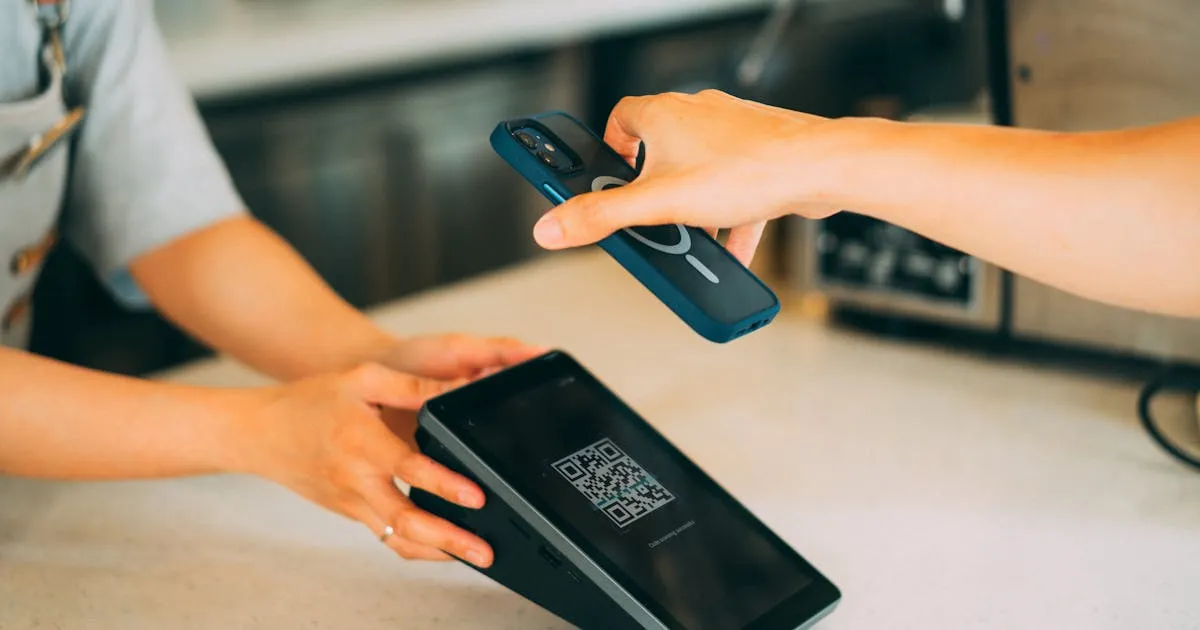
A static QR code encodes data directly into its black-and-white pattern. The URL is literally baked into the squares: when a customer scans it, their phone reads the URL straight from the image. No server, no redirect, no middleman.
Pros of Static QR Codes
- Free forever: no subscription, no account, no scan limits
- Never expire: the data is in the code itself, so it works as long as the destination URL exists
- No third-party dependency: nothing breaks if a QR service shuts down
- Simple: generate once, print, done
Cons of Static QR Codes
- Can't change the destination: if you want the QR to point somewhere new, you need a new QR code
- No scan analytics: you can't track how many people scan or when
- Long URLs = dense codes: a URL with UTM parameters or a long domain creates a denser, harder-to-scan pattern. As DENSO WAVE (the inventors of QR codes) explains, more data requires more modules, which means a larger, denser symbol
A dynamic QR code doesn't encode your actual menu URL. Instead, it encodes a short redirect URL (like qrservice.com/r/abc123). When someone scans it, they hit the QR provider's server, which redirects them to whatever destination you've configured: your menu, a promotion, a feedback form.
The key feature: you can change where that redirect points at any time through a dashboard, without touching the printed QR code.
Pros of Dynamic QR Codes
- Change destination without reprinting: point your existing QR to a new URL anytime
- Scan analytics: track total scans, unique visitors, device types, location, and time patterns
- Smaller, cleaner codes: short redirect URLs produce simpler patterns that scan more reliably
- A/B testing: some providers let you split traffic between two destinations
Cons of Dynamic QR Codes
- Monthly cost: a recurring subscription, priced by the number of codes and scans depending on the provider
- Vendor lock-in: your QR codes depend on the provider's servers. If you stop paying or the company shuts down, every printed QR code breaks
- Dead links: in a Uniqode consumer survey, 29% of consumers said they had come across expired or dead QR code links, and a lapsed dynamic QR subscription is one way a printed code goes dead
- Security risk: Palo Alto Unit 42 reports that QR phishing ("quishing") campaigns commonly hide the malicious site behind URL redirects. Separately, if the account that manages a dynamic code is compromised, its redirect can be silently changed to a malicious URL
Side-by-Side Comparison
| Feature | Static QR Code | Dynamic QR Code |
|---|---|---|
| Cost | Free | Monthly subscription |
| Change destination URL | No (need new code) | Yes (anytime) |
| Scan tracking / analytics | None | Scans, devices, time, location |
| Expires? | Never | If subscription lapses |
| Code complexity (scannability) | Depends on URL length | Always simple (short URL) |
| Third-party dependency | None | High (provider must stay online) |
| Security | Destination is fixed | Redirect can be hijacked |
| Best for | Permanent links, simple use | Campaigns, A/B testing |
Both types have clear strengths. But for restaurant menus specifically, there's an option most articles miss entirely.
Here's what most "dynamic vs static QR code" articles don't tell you: if you use a digital menu platform, most of the debate stops mattering for your table menu.
Here's why. When you create a menu on a platform like Menujo, the platform generates a QR code that points to a stable URL, something like menujo.com/@your-restaurant. That QR code is technically static (the URL is encoded directly, no redirect server), but for a table menu you get the benefits that matter:
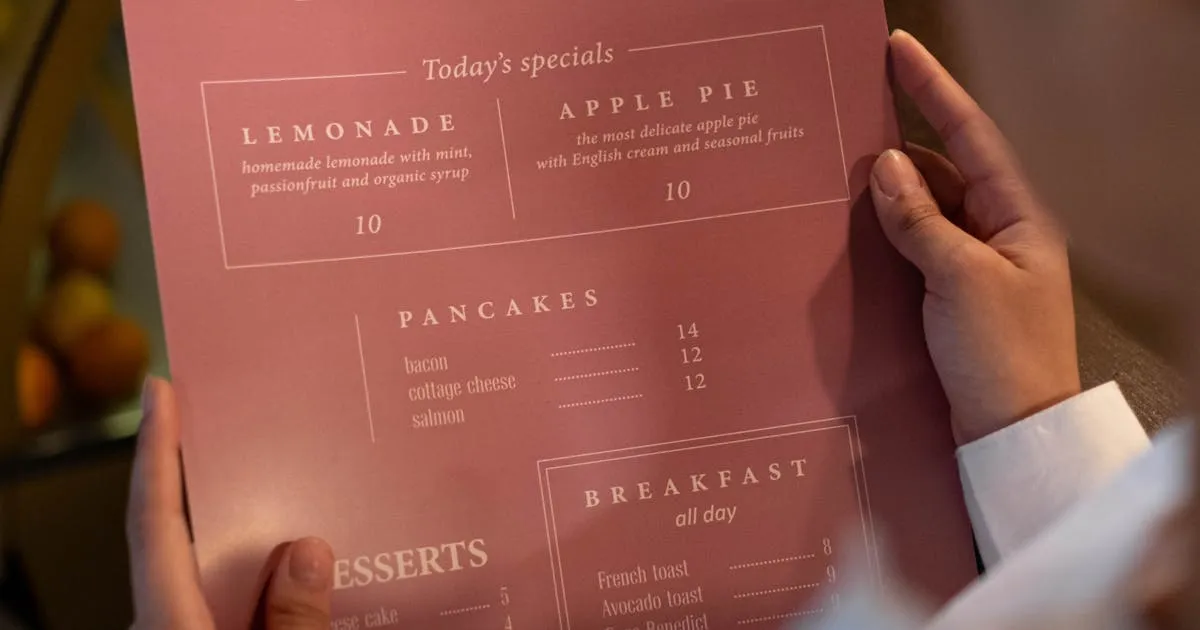
- Update your menu anytime: change prices, add items, mark dishes as sold out. The URL stays the same; the content behind it changes instantly
- Analytics built in: the platform tracks views, devices, and timing at the page level, which is more useful than raw QR scan counts
- No subscription to lapse: the URL is on the platform's domain, not a third-party redirect, so the code does not depend on a separate QR plan
- Simple code pattern: short, clean URLs produce scannable codes
- No extra cost: menu-view analytics and menu updates are part of the platform, not a separate QR subscription
Restaurants on a digital menu platform don't need to buy a separate dynamic QR service: they use the QR code generated by their menu platform.
The only time you truly need a standalone dynamic QR service is for marketing campaigns, where you want the same printed QR code on a flyer to point to different landing pages over time. For your restaurant menu? A platform-generated static QR code to a living web page is the right answer.
For a detailed comparison of interactive web menus vs static PDFs, see our QR code menu vs PDF menu guide.
Dynamic QR codes still make sense in specific restaurant scenarios:
Marketing Flyers and Print Ads
If you're printing 5,000 flyers for a promotion, a dynamic code lets you change the destination from "summer menu" to "holiday special" when the season changes, without reprinting. A monthly QR subscription usually costs far less than a reprint.
Multi-Location Campaigns
A franchise that prints standardized materials across 20 locations can use dynamic codes to route each location's scans to a location-specific menu, even though the printed code is identical.
Time-Sensitive Promotions
Running a "scan for 10% off" campaign? A dynamic code lets you point to the offer page during the promotion and redirect to your regular menu afterward.
A/B Testing Menu Layouts
Some dynamic QR providers let you split traffic 50/50 between two destinations. This can help you test which menu layout drives higher average order values.
For your in-restaurant table QR codes? A platform-generated static code is simpler, cheaper, and more reliable. Save dynamic codes for marketing where the flexibility justifies the cost and risk.
For most restaurants, the right answer isn't "dynamic" or "static": it's use a digital menu platform that handles the QR code for you. You get updatable content, analytics, and a QR code that keeps working as long as your menu keeps its address, without paying for a separate dynamic QR subscription.
Here's the recommended setup:
- In-restaurant menu: use your menu platform's QR code (static URL to a live page). Create your free menu on Menujo
- Marketing materials: if you need a QR code that can change destinations, use a paid dynamic QR service
- All QR codes: test on multiple devices before printing, and check them monthly to make sure they still work
For a complete walkthrough of setting up your first digital menu, read our step-by-step creation guide. And to understand the full cost savings of going digital, check our menu printing cost analysis.
Where to Put Your Menu
Once your menu is built, distribute it across the channels your customers actually use. The same QR-coded URL works everywhere (Instagram bio, Google Business Profile, WhatsApp Business, takeout bags, table tents), but each channel has its own setup quirks worth getting right.
- Menu distribution channel guides: overview of every channel and the workflow for each
- Restaurant menu on Instagram bio: Instagram's native multi-link bio feature plus prompt copy that lifts taps
- Menu on Google Business Profile: add the menu URL to your GBP listing for local-search discovery
- Restaurant menu on WhatsApp: click-to-chat menu sharing for markets where WhatsApp is the primary discovery channel
Related Guides
More resources for setting up and running a digital menu:
- Restaurant-type guides: setup playbooks for cafés, food trucks, bars, fine-dining, hotels, breweries, juice bars, pizzerias, and more.
- Digital menu for cafés: daily pastry rotation, milk-alternative tags, espresso variants, photo specs.
- Digital menu for food trucks: one menu URL for every stop, daily specials, mobile-first design for outdoor scanning.
- Restaurant + menu glossary: 75 terms covering menu engineering, QR-code mechanics, hospitality compliance basics.
- Free QR code generator: make a custom QR for any menu URL, SVG and PNG output, color customization, no signup required.
Key Takeaways
- Dynamic QR codes use a redirect URL: you can re-target anytime without reprinting.
- Static QR codes hard-code the destination: any change to that URL forces a full reprint.
- Dynamic QRs add scan analytics: count, country, device, time-of-day.
- Static QRs cannot track anything by themselves: the data lives in your URL, not the QR.
- Dynamic QRs depend on an active redirect service: if the subscription lapses, every printed code dies.
- Restaurant tables: a platform-generated static code to a permanent menu URL lets the menu content change without reprinting and needs no redirect service. Billboards/packaging/business cards: plain static is fine.